Codex CLI Web Search Integration and Knowledge-Augmented Agents
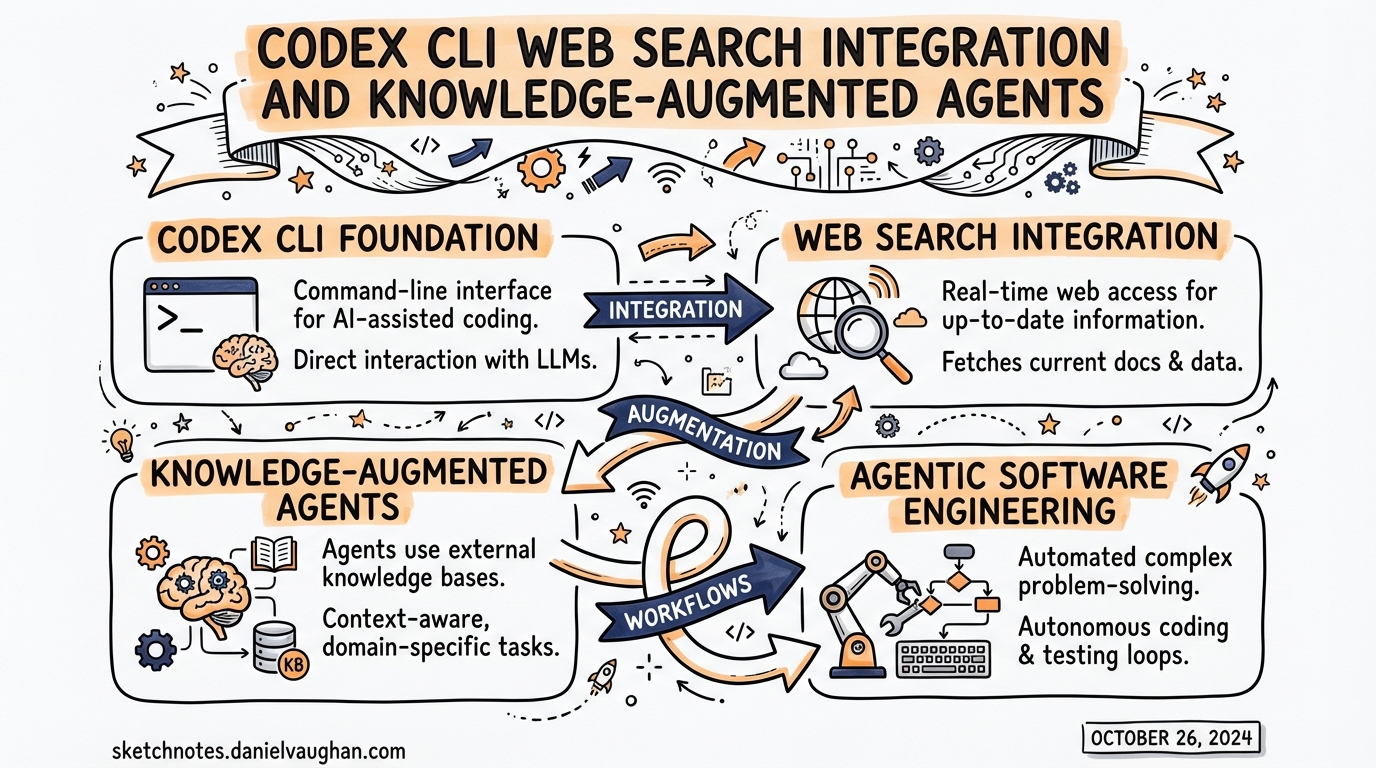
Codex CLI Web Search Integration and Knowledge-Augmented Agents
Most agentic coding failures are not reasoning failures. They are knowledge failures. The agent confidently generates code against an API that changed six months ago, or advises you to set a configuration key that was renamed in the last minor release. The model’s training data is a snapshot; your codebase and its dependencies are not.
Codex CLI addresses this with two overlapping mechanisms: a first-party web search tool built into the agent, and MCP knowledge servers that inject authoritative, current documentation directly into context. Understanding both — and knowing when to use which — is the difference between an agent that helps and one that confidently misleads.
The Built-In Web Search Tool
Codex CLI ships with a first-party web search capability enabled by default.1 Unlike a browser tool that fetches and renders arbitrary pages, the default mode uses an OpenAI-maintained index of web results — a curated cache that trades immediacy for predictability and reduced prompt injection surface.
Three Modes
The web_search key in config.toml accepts three values:2
# ~/.codex/config.toml  or  .codex/config.toml

# Default — pre-indexed results from OpenAI's maintained web cache
web_search = "cached"

# Live fetch — most current data, same as passing --search at runtime
web_search = "live"

# Disabled — remove the tool entirely
web_search = "disabled"
Cached mode is the sensible default for most development work. It reduces latency, avoids the nondeterminism of live fetching, and limits the prompt injection risk that comes from sending arbitrary live web content into your agent’s context.1 The tradeoff is obvious: index freshness is OpenAI-controlled, not real-time.
Live mode reaches out to the current web. Use it when you know the topic is moving quickly — a recently-released framework, a CVE that landed last week, an API that changed in the latest patch. You incur the injection risk; treat all web results as untrusted inputs regardless of mode.
Disabled removes the tool entirely from the agent’s available capabilities. Useful when you want deterministic, offline-only behaviour — for example, in air-gapped environments or when working with highly sensitive codebases where outbound network access is restricted.
Runtime Override
To enable live search for a single session without changing your config:
codex --search "what changed in Astro 5.3?"
The --search flag is equivalent to web_search = "live" for that invocation only.2
Sandbox Mode Interaction
There is one implicit override worth knowing: when you launch Codex with --yolo (or any equivalent full-access sandbox setting), web search automatically upgrades to live mode.1 The assumption is that if you have waived all approval guardrails, you also want the most current information. You can override this explicitly in your config if that assumption does not hold for your workflow.
Per-Profile Configuration
If you use Codex profiles — for example, a research profile separate from your day-to-day default — web search mode can be scoped per profile:3
[profiles.research]
web_search = "live"
model = "gpt-5.4"

[profiles.default]
web_search = "cached"
model = "gpt-5.4-mini"
This gives you live search on explicit research tasks without changing the behaviour of routine coding sessions.
Observing Web Search in Output
Web search activity is surfaced in two places. In interactive sessions, the transcript shows web_search events as they occur. In non-interactive runs, codex exec --json output includes web_search items in the event stream, making it straightforward to audit exactly what your agent looked up.1
This is worth noting for compliance and reproducibility: you get a full record of what external knowledge the agent consumed when producing a given output.
Enterprise Controls
For regulated environments or enterprise deployments, Codex exposes a requirements.toml mechanism that sets hard limits on which web search modes can be used — separate from, and overriding, anything in a user’s own config.4
Place a requirements.toml at /etc/codex/requirements.toml on the developer’s machine (or distribute it via MDM):
# /etc/codex/requirements.toml
# Prevents live web access even in --yolo sessions
allowed_web_search_modes = ["cached"]
An empty array disallows everything except disabled:
allowed_web_search_modes = []
The "disabled" mode is always implicitly permitted as a fallback — administrators can restrict live access without inadvertently breaking configurations that explicitly opt out of web search.5
Known Limitation: Minimal Reasoning Effort
There is a current bug worth being aware of: when reasoning_effort = "minimal" is set, the web_search tool will return a 400 Bad Request error — "The following tools cannot be used with reasoning.effort 'minimal': web_search" — even if web search has been explicitly disabled in config.6 If you are using minimal effort for speed or cost reasons, be aware that web search integration is unavailable in that mode until the issue is resolved upstream.
MCP Knowledge Servers: Augmenting Beyond Web Search
Web search covers the open web. But much of the knowledge an agent needs for high-quality coding assistance lives in structured, authoritative sources: official library documentation, internal wikis, API references, design systems. This is where MCP knowledge servers come in.
The architecture looks like this:
flowchart TD
    A[User Prompt] --> B{Agent Reasoning}
    B -->|"needs current web info"| C[web_search tool]
    B -->|"needs library docs"| D[Context7 MCP]
    B -->|"needs OpenAI API docs"| E[OpenAI Docs MCP]
    B -->|"needs browser interaction"| F[Playwright MCP]
    C --> G[cached / live index]
    D --> H[9000+ library docs, version-specific]
    E --> I[developers.openai.com index]
    F --> J[live page rendering]
    G & H & I & J --> K[Agent Response]
Context7: Version-Specific Library Documentation
Context7 is an MCP server maintained by Upstash that resolves library names to version-specific documentation.7 It indexes over 9,000 libraries and frameworks — React, Next.js, FastAPI, SQLAlchemy, and so on — and injects relevant, current snippets into context rather than relying on the model’s potentially stale training data.
Add it to your global config:
# ~/.codex/config.toml
[mcp_servers.context7]
enabled = true
command = "npx"
args = ["-y", "@upstash/context7-mcp"]
Or via the CLI:
codex mcp add context7 -- npx -y @upstash/context7-mcp
With Context7 active, the agent can resolve resolve-library-id and then call query-docs to pull the correct documentation for whichever version of a library you are actually using.7 The practical effect: "use the latest stable Prisma v6 query API" returns the actual v6 API, not a hallucinated blend of v4 and v5 patterns.
To steer the agent towards using it automatically, add an instruction to your AGENTS.md:
## External Documentation

When generating code against any third-party library, use Context7 to retrieve
the version-specific API documentation before writing implementation code.
OpenAI Docs MCP
For work involving the OpenAI API itself — Responses API, Assistants, fine-tuning, the Codex API — the official OpenAI Docs MCP server provides direct access to developers.openai.com.8 This is particularly useful when you are building agents that themselves call OpenAI APIs, where model names, parameter names, and capabilities change frequently.
[mcp_servers.openai-docs]
enabled = true
command = "npx"
args = ["-y", "@openai/mcp-server-docs"]
Playwright: When You Need the Live Page
For cases where you need the agent to interact with or extract content from a live web page — documentation that is not indexed, a web app under development, or a login-gated reference site — Microsoft’s Playwright MCP server gives the agent full browser access:
[mcp_servers.playwright]
enabled = false   # enable explicitly per session
command = "npx"
args = ["-y", "@playwright/mcp"]
Leave this disabled by default and enable it at project level when a task genuinely requires it. The capability is powerful enough that you want it to be an explicit opt-in, not a standing permission.
Research Patterns in Practice
Research-then-implement: For tasks that touch external APIs or recently-updated libraries, prompt the agent to do a research pass before writing code:
Before implementing the authentication flow:
1. Use Context7 to retrieve the current @supabase/auth-js v2 API reference
2. Check the web for any breaking changes in the last 90 days
3. Then write the implementation

Use live web search for step 2.
Scope-restricted research: For pure codebase work where you want no external network access, set web_search = "disabled" and configure no external MCP servers at project level. This is a useful default for large, self-contained codebases where outbound access is noise rather than signal.
Profile-based switching: Keep a research profile with web_search = "live" and Context7 enabled, and a coding profile with web_search = "cached" and only local MCP servers. Invoke with codex --profile research when you need current information, codex --profile coding for standard development sessions.
Citations
-
[Features – Codex CLI OpenAI Developers](https://developers.openai.com/codex/cli/features) — web search modes, –search flag, yolo mode behaviour, transcript output -
[Config basics – Codex OpenAI Developers](https://developers.openai.com/codex/config-basic) — web_search TOML key, valid values, configuration file locations -
[Configuration Reference – Codex OpenAI Developers](https://developers.openai.com/codex/config-reference) — per-profile web_search override, full config schema -
feat: allowed_web_search_modes in requirements.toml · PR #10964 · openai/codex — enterprise allowed_web_search_modes implementation ↩
-
[Managed configuration – Codex OpenAI Developers](https://developers.openai.com/codex/enterprise/managed-configuration) — enterprise requirements.toml, MDM distribution, admin configuration -
tools.web_search cannot be disabled when using reasoning_effort=minimal · Issue #5002 · openai/codex — known bug: web_search + minimal reasoning effort incompatibility ↩
-
[Context7 MCP by Upstash Smithery](https://smithery.ai/server/@upstash/context7-mcp) — Context7 MCP server, capabilities, 9000+ library index, resolve-library-id and query-docs tools -
[Model Context Protocol – Codex OpenAI Developers](https://developers.openai.com/codex/mcp) — MCP configuration, OpenAI Docs MCP, Codex MCP integration overview