Codex CLI Plugins: Packaging, Sharing and Installing Reusable Workflows
Published 2026-03-27 · Feature shipped in Codex CLI v0.117.0, March 26, 2026
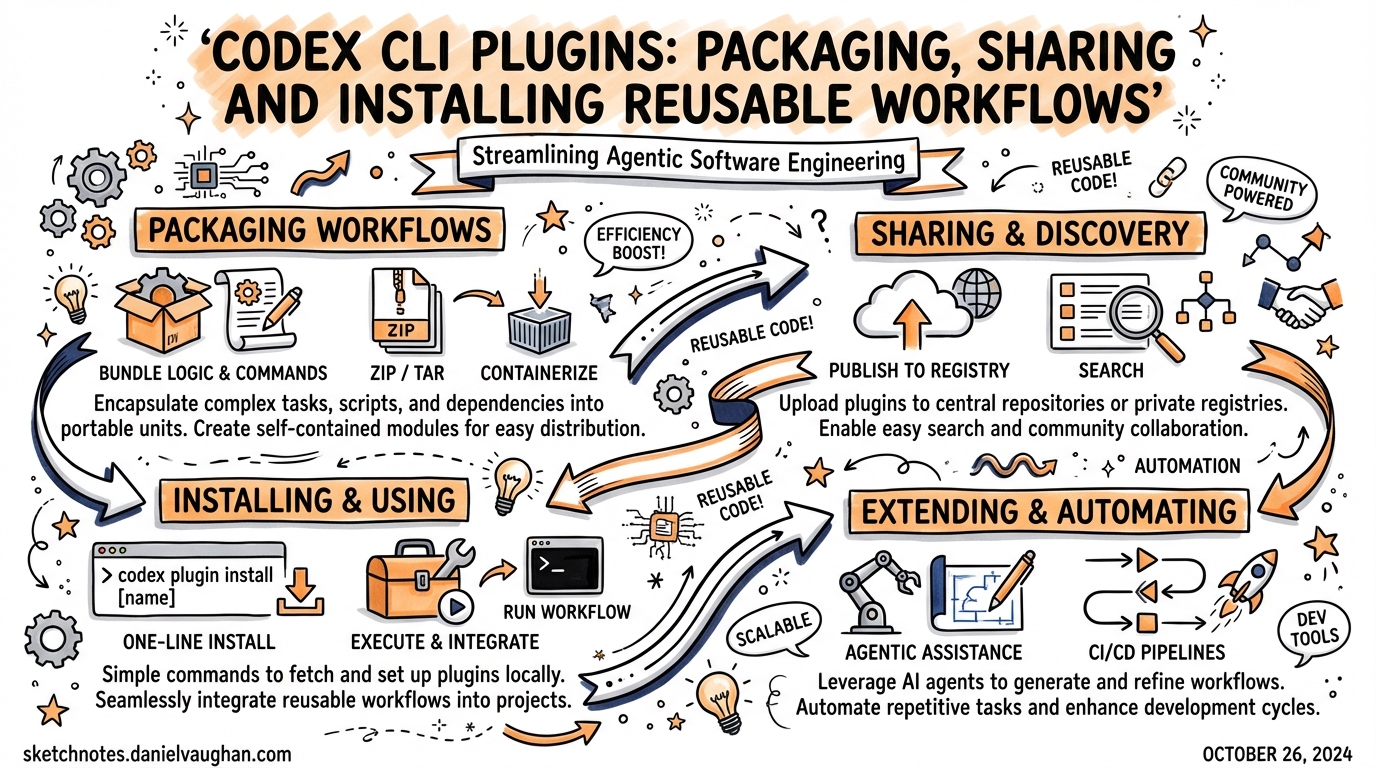
Codex CLI v0.117.0 introduced first-class plugins — the biggest change to workflow distribution since SKILL.md files. Plugins bundle skills, MCP server configs, and app integrations into a single installable unit. Instead of “a bunch of local setup and scattered config”, you now have one shareable package that works the same across machines, teammates, and projects.
Why Plugins Matter
Before plugins, sharing a Codex workflow meant handing someone:
- A copy of your
SKILL.mdfiles - A snippet of
~/.codex/config.tomlfor MCP servers - Manual instructions for setting up app integrations
Plugins collapse that into a single installable bundle. You install it once; Codex wires up the skills, MCP servers, and app connectors automatically.
The official positioning: “Start local, then package the workflow as a plugin when you are ready to share it.”
Plugin Architecture
A plugin has four optional components, all in one directory:
my-plugin/
├── .codex-plugin/
│   └── plugin.json          ← Required manifest
├── skills/
│   └── my-skill/
│       └── SKILL.md         ← Optional workflow prompts
├── .app.json                ← Optional app/connector mappings
├── .mcp.json                ← Optional MCP server config
└── assets/                  ← Optional icons, screenshots
The only required piece is .codex-plugin/plugin.json. Everything else is optional.
The Manifest: plugin.json
Minimal (just skills)
{
  "name": "my-first-plugin",
  "version": "1.0.0",
  "description": "Reusable greeting workflow",
  "skills": "./skills/"
}
Full manifest (ready for directory listing)
{
  "name": "my-plugin",
  "version": "0.1.0",
  "description": "Bundle reusable skills and app integrations.",
  "author": {
    "name": "Your team",
    "email": "team@example.com"
  },
  "repository": "https://github.com/example/my-plugin",
  "license": "MIT",
  "skills": "./skills/",
  "mcpServers": "./.mcp.json",
  "apps": "./.app.json",
  "interface": {
    "displayName": "My Plugin",
    "shortDescription": "Reusable skills and apps",
    "category": "Productivity",
    "capabilities": ["Read", "Write"],
    "defaultPrompt": [
      "Use My Plugin to triage new customer follow-ups.",
      "Use My Plugin to summarise new CRM notes."
    ],
    "brandColor": "#10A37F",
    "composerIcon": "./assets/icon.png"
  }
}
Key field notes:
namemust be kebab-case — it becomes the component namespace for skillsversionuses semantic versioningskills/mcpServers/appsare relative paths starting with./defaultPromptarray surfaces example prompts in the Codex UI — useful for discoverability
Skills Inside Plugins
Plugin skills are identical to standalone SKILL.md files:
---
name: triage
description: Prioritise open issues by impact and effort.
---

Review the open GitHub issues in this repository.
Classify each by: impact (high/medium/low) and effort (days/weeks).
Output a markdown table sorted by impact/effort ratio.
Path: skills/triage/SKILL.md
Skills bundled in a plugin are installed alongside everything else — no manual copying required.
MCP Servers in Plugins
.mcp.json at the plugin root uses the same format as .codex/mcp.json:
{
  "mcpServers": {
    "context7": {
      "command": "npx",
      "args": ["-y", "@upstash/context7-mcp"]
    }
  }
}
When the plugin is installed, Codex registers these servers automatically. (Note: some community plugins report that MCP servers may need manual wiring for projects using .claude/settings.json — check the plugin README.)
Browsing and Installing Plugins
In the Codex CLI or app:
/plugins                     # Browse available plugins
/plugins install my-plugin   # Install from directory
Installed plugins are stored at:
~/.codex/plugins/cache/$MARKETPLACE_NAME/$PLUGIN_NAME/$VERSION/
Plugin state (enabled/disabled) is stored in ~/.codex/config.toml.
Marketplaces: Personal, Repository, and Official
Plugins are distributed via marketplaces — JSON manifests that list available plugins and their install policies.
Personal marketplace
~/.agents/plugins/marketplace.json
Plugins stored in ~/.codex/plugins/
Repository marketplace (team use)
$REPO_ROOT/.agents/plugins/marketplace.json
Plugins stored in $REPO_ROOT/plugins/ — version-controlled alongside the codebase.
Marketplace format
{
  "name": "our-team-plugins",
  "plugins": [
    {
      "name": "code-review-suite",
      "source": {
        "source": "local",
        "path": "./plugins/code-review-suite"
      },
      "policy": {
        "installation": "INSTALLED_BY_DEFAULT",
        "authentication": "ON_INSTALL"
      },
      "category": "Engineering"
    }
  ]
}
Installation policies:
AVAILABLE— visible in/plugins, user must install manuallyINSTALLED_BY_DEFAULT— auto-installed for anyone using the repoNOT_AVAILABLE— hidden (useful for in-progress plugins)
INSTALLED_BY_DEFAULT is the enterprise power move — every developer who opens the project gets the same team-standard workflow without any manual setup.
Creating a Plugin Fast: @plugin-creator
The built-in @plugin-creator skill scaffolds everything:
@plugin-creator Create a plugin for our TypeScript CI workflow
It generates:
.codex-plugin/plugin.jsonwith the right structure- A local marketplace entry for testing
- Placeholder skill files
When to Use Plugins vs. Local Skills
| Situation | Use |
|---|---|
| Single project, personal use | Local SKILL.md + config |
| Team-wide standards | Plugin in repo marketplace |
| Cross-project reuse | Plugin in personal marketplace |
| Distributing to other teams / OSS | Plugin in official directory |
Rule of thumb: prototype locally, promote to plugin when sharing.
The Plugin Directory (Coming Soon)
OpenAI’s official plugin directory is launching in stages. Browsable now; self-serve publishing coming. Early entries include Slack, Figma, Notion, Cloudflare, and Gmail integrations.
Notable community plugin: compound-engineering-plugin by EveryInc — 26 specialised agents (including 14 parallel code reviewers) with cross-platform installation to Codex, Claude Code, Gemini CLI, and GitHub Copilot via bunx.
Enterprise Angle
For enterprise teams, the repository marketplace + INSTALLED_BY_DEFAULT pattern solves the “config drift” problem: every developer, CI runner, and onboarding hire gets identical skills, MCP connections, and app integrations from day one. Combine with AGENTS.override.md for policy enforcement.
Key Takeaway
Plugins are the distribution layer that skills and MCP configs were always missing. If you’ve accumulated a set of SKILL.md files and MCP server configs that you copy between projects, wrapping them in a plugin is now the cleaner approach.
Sources: Codex Plugins Docs · v0.117.0 Changelog · Adithyan visual explainer · Neowin announcement