Planning Mode in Practice: When to Use It and When to Skip It
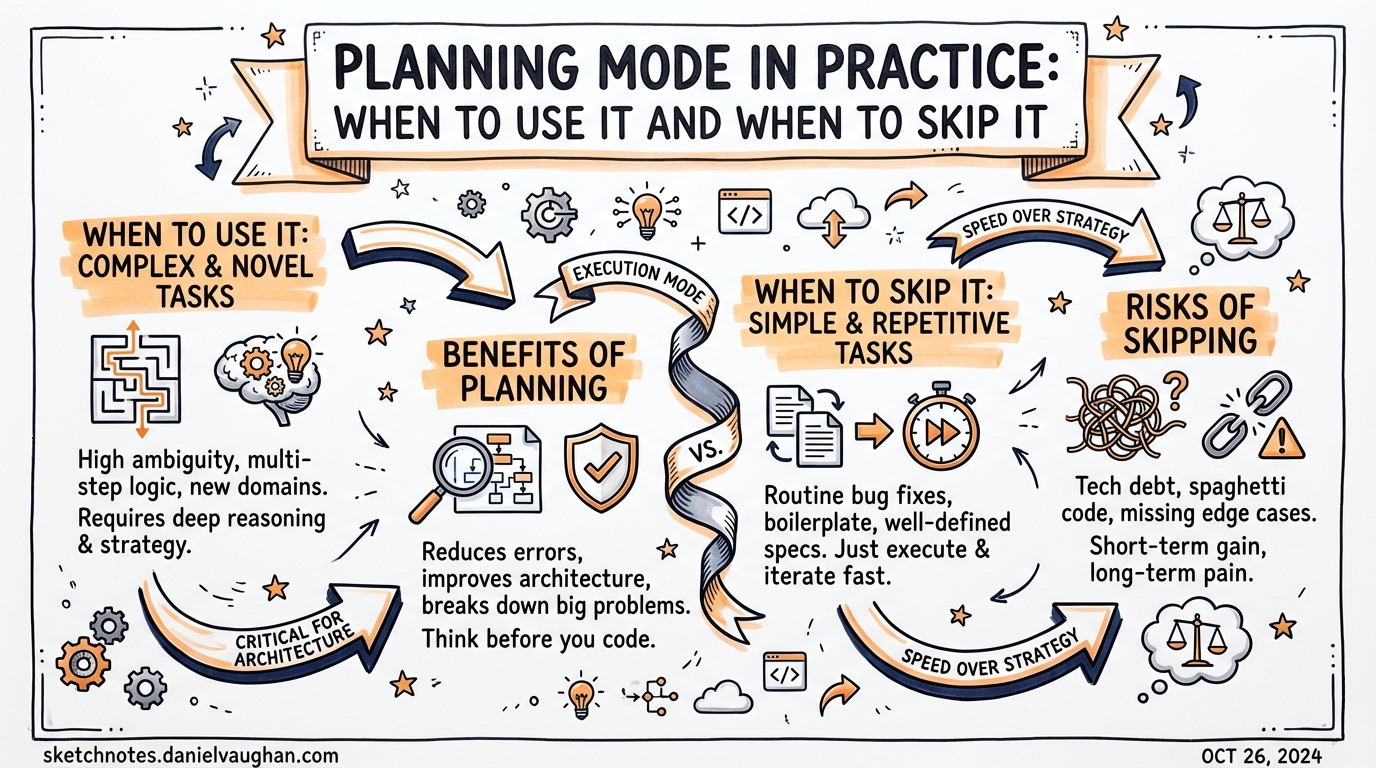
Planning Mode in Practice: When to Use It and When to Skip It
Most developers activate planning mode once, see an agent propose a numbered list, and then leave it on permanently — or switch it off after a frustrating delay on a trivial task. Neither extreme is correct. Plan mode is a precision tool: invaluable when the problem is genuinely ambiguous, actively wasteful when the task is a single-file fix.
This article builds a concrete decision framework grounded in how Codex CLI’s planning machinery actually works.
How Plan Mode Works
Plan mode is one of three collaboration modes in Codex CLI — alongside Pair (interactive with per-action approval) and Execute (fully autonomous)1. In plan mode the agent may read files, search the codebase, and pose clarifying questions, but it does not modify files or run mutating commands until you approve its proposed plan.2
Activation is low-friction: press Shift+Tab in the TUI to cycle through Plan → Pair → Execute, or type /plan at the prompt3. A mode indicator in the terminal header shows the current state; /status confirms it.
stateDiagram-v2
    [*] --> Plan : /plan or Shift+Tab
    Plan --> Pair : Shift+Tab
    Pair --> Execute : Shift+Tab
    Execute --> Plan : Shift+Tab
    Plan --> Execute : User approves plan
    Plan --> Plan : Agent asks clarifying questions
The internal sequence during a planning phase looks like this:
sequenceDiagram
    participant Dev as Developer
    participant CLI as Codex CLI
    participant Model as Model (gpt-5.3-codex)

    Dev->>CLI: Task description (Plan mode active)
    CLI->>Model: Prompt with read-only constraint
    Model->>CLI: Clarifying questions (≤4 rounds)
    CLI->>Dev: Questions streamed to TUI
    Dev->>CLI: Answers / "proceed"
    Model->>CLI: Structured plan (steps, files, acceptance criteria)
    CLI->>Dev: Plan rendered in dedicated TUI view
    Dev->>CLI: Approve / edit / reject
    CLI->>Model: Begin execution with approved plan
    Model->>CLI: File mutations, commands
    CLI->>Dev: Output with approval prompts (per approval mode)
The Prompt-Level Safety Caveat
Plan mode instructs the model not to write or modify files, but this constraint is enforced at the prompt level only — there is no runtime sandbox that physically blocks mutations4. In practice the model almost always respects the instruction, but for high-stakes or regulated work, use a throwaway branch (git checkout -b plan/explore) before activating plan mode on an unfamiliar codebase.
Configuration
Plan mode is on by default from v0.96+5. For older releases (v0.93–v0.95) you needed to set:
# ~/.codex/config.toml  (v0.93–0.95 only)
[features]
collaboration_modes = true
Since v0.96 the collaboration_modes flag is a no-op; modes are always available.
plan_mode_reasoning_effort
The most important plan-mode configuration key controls reasoning depth independently of the global default6:
# ~/.codex/config.toml
model_reasoning_effort         = "medium"   # global default for execution
plan_mode_reasoning_effort     = "high"     # override for planning phase only
Valid values: none | minimal | low | medium | high | xhigh7.
none is a special case — it means “no reasoning effort at all in plan mode”, not “inherit the global default”. If plan_mode_reasoning_effort is unset, plan mode uses the built-in plan preset (currently medium)8.
A common production pattern is to set plan_mode_reasoning_effort = "high" for the thoroughness of a design pass while keeping model_reasoning_effort = "low" for the bulk of fast execution work. This gives you careful analysis upfront without paying high rates for every line of generated code.
Per-profile overrides work as expected:
[profiles.architecture]
plan_mode_reasoning_effort = "xhigh"

[profiles.hotfix]
plan_mode_reasoning_effort = "minimal"
Activate with codex --profile hotfix.
The Decision Framework
The official guidance is deliberately brief: “If the task is complex, ambiguous, or hard to describe well, ask Codex to plan before it starts coding.”9 That is correct but not actionable on its own. Here is a more granular decision tree:
flowchart TD
    A[New task arrives] --> B{Single file, <br/>well-specified change?}
    B -- Yes --> C[Skip plan mode\nExecute directly]
    B -- No --> D{Ambiguous requirements<br/>or unclear scope?}
    D -- Yes --> E[Use /plan\nAllow clarifying questions]
    D -- No --> F{Cross-cutting: 3+ files<br/>or architectural change?}
    F -- No --> C
    F -- Yes --> G{Estimated duration<br/>> 2 hours?}
    G -- No --> E
    G -- Yes --> H[Use PLANS.md ExecPlan\nsee below]
    E --> I[Review and approve plan\nthen execute]
    H --> I
    C --> J[Review output\ncommit]
    I --> J
When Plan Mode Pays Off
Complex, multi-file changes. When a task touches three or more modules — say, adding a new authentication provider that requires changes to middleware, database schema, session handling, and documentation — planning upfront prevents the agent from making locally-correct decisions that break global consistency.
Ambiguous requirements. If you can describe the goal but not the steps (“make the checkout flow faster”), plan mode’s clarifying questions surface the assumptions that would otherwise cause misaligned output. The model is instructed to challenge your assumptions and produce a concrete specification before writing any code10.
Significant refactors. Renaming a core abstraction, splitting a large service, or migrating a persistence layer all benefit from an explicit plan that documents decision rationale. This also serves as durable documentation: the approved plan becomes a commit message or DECISIONS.md entry.
Unfamiliar codebases. When onboarding to a repo you do not know, plan mode’s read-only exploration phase maps the territory without the risk of premature mutations.
When Plan Mode is Pure Friction
Single-step changes. Adding a missing null check, fixing a typo in a string constant, or bumping a dependency version needs no planning pass. The overhead — a full context-gathering phase plus a round of questions — will exceed the actual execution time by an order of magnitude.
Well-specified, repeatable tasks. If you have an AGENTS.md rule that already defines exactly how to add a new API endpoint, the agent has enough context to execute directly. Forcing a plan phase restates work already done in the instructions file.
Tight iteration loops. In an active debugging session where you are issuing ten small adjustments in rapid succession, plan mode’s friction breaks flow without adding safety value. Switch to Pair mode instead: you get per-action approval without the full planning overhead.
As the official best-practices guide notes, plan mode is “not needed all the time — turn it off for simple tasks to save time and resources.”11
Common Mistakes
Forcing Plan on Every Task
Setting plan mode as a permanent default is the most common over-correction. The planning phase consumes tokens and wall-clock time before any code is written. Applied to simple tasks this doubles cost and halves throughput for no safety benefit.
Skipping Plan on Complex Tasks and Blaming the Model
The inverse error: approving a vague prompt in Execute mode, receiving a technically valid but architecturally wrong implementation, and concluding the model “doesn’t understand the codebase.” In most cases the model understood exactly what you said — the problem was that you didn’t say enough. Plan mode’s clarifying questions would have surfaced the gap.
Treating the Approved Plan as Immutable
An approved plan is a starting point, not a contract. If the agent discovers mid-execution that a dependency has an incompatible API or that a file is structured differently than expected, it should (and will) adapt. The plan mode constraint applies to the planning phase; execution proceeds with the model’s full reasoning capability.
Ignoring plan_mode_reasoning_effort
Leaving plan mode at medium reasoning effort while setting execution to low is usually the right default. But for large architectural decisions, bumping to high or xhigh produces materially more thorough plans — the model explores more of the codebase, raises more edge cases, and produces more precise acceptance criteria.
PLANS.md: Extending Planning to Multi-Hour Tasks
For tasks that span hours or sessions, the interactive TUI plan mode is insufficient — the plan state disappears when the session ends. The solution is a PLANS.md file that functions as a persistent, living execution document12.
Reference it from AGENTS.md:
<!-- AGENTS.md -->
## Complex feature development
When writing complex features or significant refactors, use an ExecPlan
(as described in `.agent/PLANS.md`) from design to implementation.
A well-formed ExecPlan includes these mandatory sections13:
# ExecPlan: <Feature Name>

## Purpose / Big Picture
What user-visible behaviour becomes possible after this is complete.

## Progress
- [ ] Step 1 — <description> (started: 2026-03-27T09:14Z)
- [x] Step 2 — <description> (completed: 2026-03-27T09:32Z)

## Surprises & Discoveries
Unexpected findings, bugs encountered, API quirks.

## Decision Log
| Date | Decision | Rationale |
|------|----------|-----------|
| 2026-03-27 | Use Redis for rate-limit state | Consistent with existing session store |

## Outcomes & Retrospective
What was delivered. What was deferred. Lessons.

## Plan of Work
Prose-format sequence of edits with file paths and specific locations.

## Concrete Steps
Exact commands, working directories, expected output.

## Validation and Acceptance
How to exercise the system and observe correct results.
The critical constraint is self-containment: the ExecPlan must enable a complete novice to implement the feature end-to-end without external context14. This property is what allows the agent to resume after session interruption or handoff to a subagent.
This approach has been used to run single Codex sessions for more than seven hours from a single prompt15.
Quick Reference
| Situation | Mode | plan_mode_reasoning_effort |
|---|---|---|
| Single-file fix, clear spec | Execute | N/A |
| Ambiguous goal, any size | Plan | medium (default) |
| 3+ file change, clear spec | Plan | medium |
| Architectural refactor | Plan | high |
| Multi-hour autonomous task | PLANS.md ExecPlan | xhigh |
| Active debugging loop | Pair | N/A |
| Repeated, scripted task | Execute (via codex exec) |
N/A |
Toggle in-session: Shift+Tab or /plan. Set a permanent default in ~/.codex/config.toml.
Citations
-
Codex CLI Collaboration Modes overview — SmartScope, “Codex Plan Mode: Stop Code Drift with Plan→Execute (2026)” https://smartscope.blog/en/generative-ai/chatgpt/codex-plan-mode-complete-guide/ ↩
-
Read-only constraint during planning phase — ibid.; GitHub Discussion #7355 “Plan / Spec Mode” https://github.com/openai/codex/discussions/7355 ↩
-
Shift+Tab and /plan activation — DeepakNess, “Plan Mode in Codex CLI is here” https://deepakness.com/raw/plan-mode-in-codex-cli/; SmartScope guide ibid. ↩
-
Prompt-level-only safety constraint — SmartScope guide ibid.; GitHub Issue #11115 cited in search results ↩
-
Plan mode on by default from v0.96+ — SmartScope guide ibid. ↩
-
plan_mode_reasoning_effortkey — Codex CLI Configuration Reference https://developers.openai.com/codex/config-reference ↩ -
Valid values for
plan_mode_reasoning_effort— Codex CLI Configuration Reference ibid. ↩ -
nonesemantics and unset behaviour — ibid. ↩ -
Official guidance: complex/ambiguous tasks — Codex CLI Best Practices https://developers.openai.com/codex/learn/best-practices ↩
-
Challenge assumptions, concrete specification — Codex CLI Best Practices ibid. ↩
-
“Not needed all the time” — Codex CLI Best Practices ibid. ↩
-
PLANS.md for persistent multi-session planning — OpenAI Cookbook, “Using PLANS.md for multi-hour problem solving” https://developers.openai.com/cookbook/articles/codex_exec_plans ↩
-
Mandatory ExecPlan sections — OpenAI Cookbook ibid. ↩
-
Self-containment requirement — OpenAI Cookbook ibid. ↩
-
Seven-hour single-session claim — OpenAI Cookbook ibid. ↩