CC Pocket: Managing Codex Sessions from Your Phone
CC Pocket: Managing Codex Sessions from Your Phone
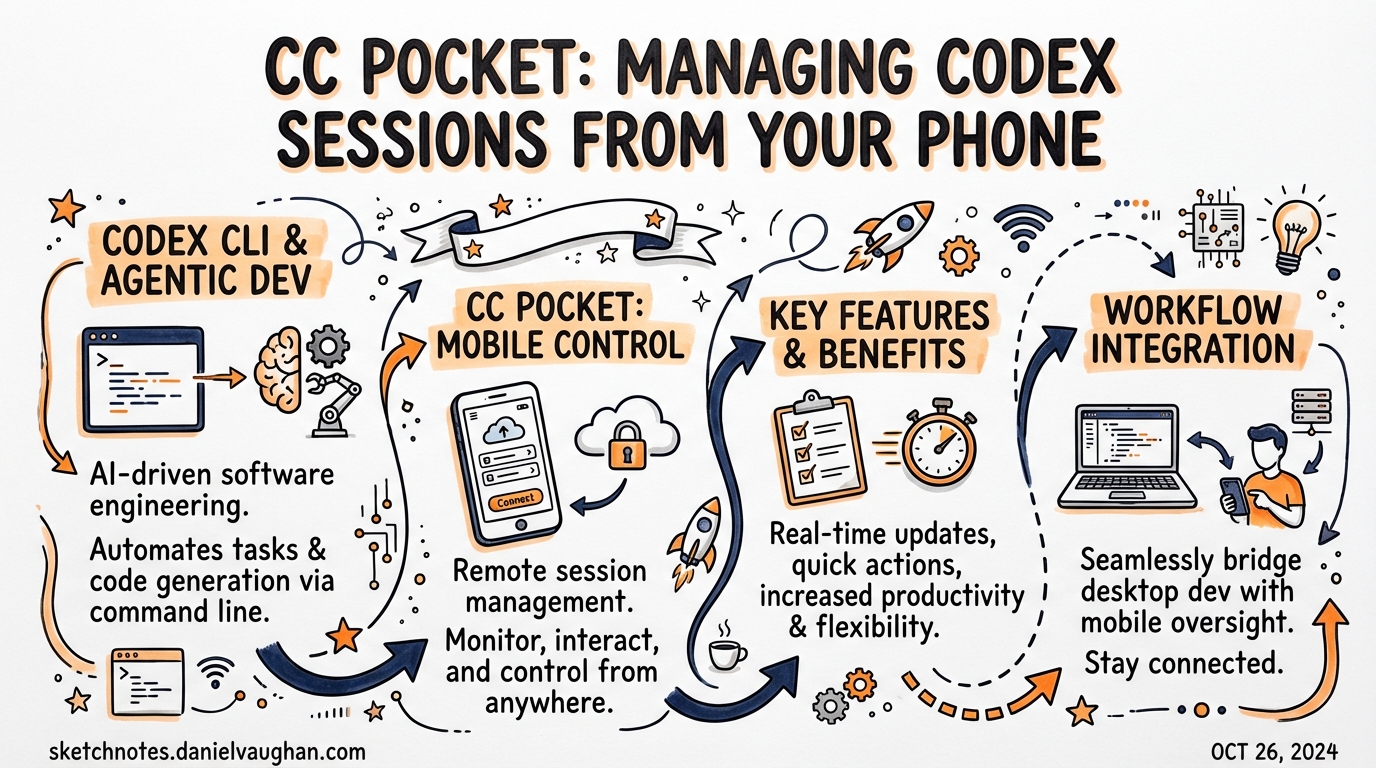
CC Pocket is an open-source iOS app that lets you control Codex CLI (and Claude Code) sessions from your iPhone. Built by developer Kota Hayashi (K9i), it surfaced prominently on r/codex on March 28, 2026, and represents a genuinely useful workflow addition for developers running Codex in long-horizon agentic sessions.
The app is available on the App Store and the source is on GitHub.
The Problem It Solves
When you run Codex CLI in suggest or auto-edit mode, the agent periodically needs your approval — to execute a shell command, apply a file edit, or call a tool. If you’re away from your desk, you miss these prompts and the session stalls.
Existing workarounds (terminal sharing, SSH, Claude Code’s /remote-control) don’t work well on a phone screen. CC Pocket is designed specifically for the “make a decision from your phone” use case, not general terminal access.
Architecture
iPhone (CC Pocket app)
    ↕ WebSocket
Bridge Server (Mac / Linux)
    ↕ stdio
Codex CLI / Claude Code
The bridge server (@ccpocket/bridge) is a lightweight Node.js process that manages agent processes via the Codex SDK and Claude Code SDK. It exposes a WebSocket API that CC Pocket connects to.
Setup:
# On your Mac or Linux machine
npx @ccpocket/bridge@latest

# Scan the QR code shown in terminal, or enter the URL manually in the app
Setup time is under 5 minutes. The bridge server runs locally; your code never leaves your machine.
Key Features
Batch Approval
The most useful feature for agentic pod workflows. When you’re running multiple Codex sessions in parallel (e.g., separate worktree agents for different features), CC Pocket aggregates all pending approvals into a single list. Review and approve file edits, shell commands, and tool calls without switching between sessions.
This directly addresses the multi-agent management problem — you can supervise 5–8 parallel agents from one screen.
Push Notifications
Get notified the moment an agent needs input or completes a task. This changes the interaction model: instead of polling your terminal, you can work on something else and respond when notified.
Start Sessions from Phone
Launch new Codex sessions directly from the app. Pick a project directory, set approval mode, and start. You don’t need to open a laptop to kick off a session.
Flexible Connection Options
- Local network (Wi-Fi)
- Tailscale (recommended for remote access)
- mDNS auto-discovery
- SSH tunnelling for remote servers
Privacy
No telemetry, no tracking, no cloud relay. All communication is between your phone and your own bridge server. Your code and conversations stay on your machine.
Relevance to the Agentic Pod
CC Pocket fits naturally into the “Orchestrator monitors, agents work” model:
- Orchestrator (you, on your phone): supervises decisions, approves high-risk actions, reviews completed tasks
- Agents (Codex sessions on your Mac): implement features, run tests, generate diffs
The batch approval feature is particularly well-suited to the parallel wave pattern — you kick off a wave of agents, step away, and handle the accumulated approvals in one sitting when you return.
Limitations
- iOS only — no Android version as of March 2026
- Mac or Linux required for the bridge server (Windows not yet tested)
- Requires local network or VPN — no public relay server (by design, for privacy)
- Not an official OpenAI product — built by an independent developer; not affiliated with OpenAI
Community Reception
The app generated significant discussion on r/codex on March 28, 2026. The batch approval feature for multi-agent workflows was highlighted as the standout capability. The privacy-first architecture (no cloud relay, no telemetry) was well-received in an environment where developers are conscious about their code leaving their machines.
Sources: CC Pocket on GitHub · App Store listing · DEV Community post