Thread Search and Session Archiving in the Codex App
Published: 2026-03-28 · Source: Codex App 26.323 (March 24, 2026) changelog + community usage patterns
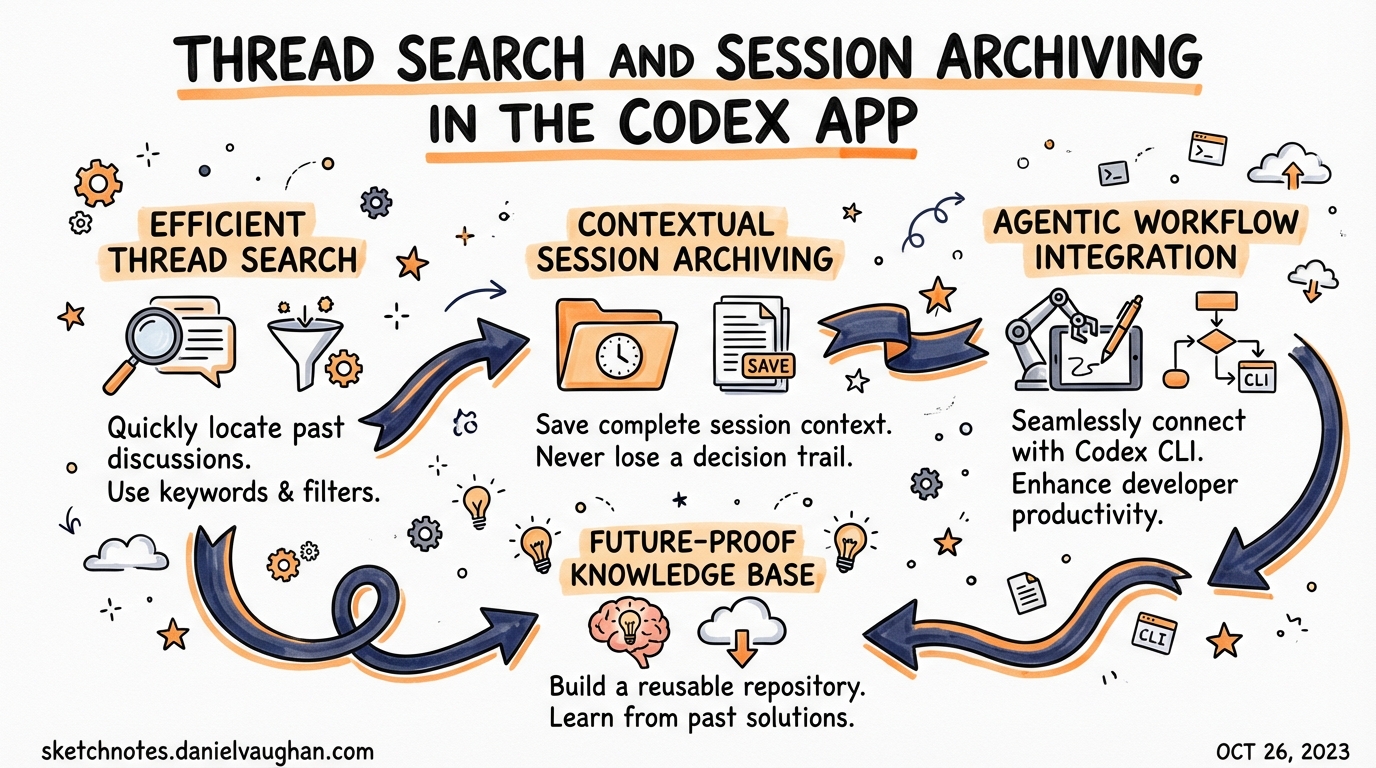
The Codex App 26.323 release (March 24, 2026) shipped three quality-of-life improvements that collectively solve the “thread sprawl” problem — what happens when you’ve been running Codex for weeks and have hundreds of past sessions you can no longer find or manage efficiently.
The Thread Sprawl Problem
Every Codex session generates a thread. A developer running Codex seriously will accumulate dozens per day: feature branches, debugging sessions, exploratory refactors, automation runs. Within a week, the thread history becomes a cognitive burden rather than an asset.
Three specific pain points drove the 26.323 release:
- No way to find past threads by content — you’d have to scroll through a chronological list
- No bulk management — archiving threads was one-at-a-time
- Config drift between app and VS Code — changing settings in one place didn’t carry to the other
What’s New in Codex App 26.323
1. Thread Search with Keyboard Navigation
The sidebar now supports full-text search across past threads.
How to use:
Cmd/Ctrl+Kopens the search input in the sidebar- Results filter in real time as you type — matching thread titles, first messages, and project names
↑↓arrow keys navigate results;Enteropens the selected threadEscreturns focus to the main view
Practical use cases:
- “Find the session where I refactored the auth module” → search
auth refactor - “Find where I set up the Stripe webhooks” → search
stripe webhook - “Find a specific bug investigation” → search by error message or file name
Tip: Give threads meaningful names using the /title command (shipped in v0.117.0) during a session. Thread search relies on the title and opening message — a thread named 2026-03-24 session is unsearchable; one named Refactor payment module to use new Stripe SDK is immediately findable.
2. One-Click Archive: All Local Project Threads
New option in the Project settings menu: “Archive all local threads in this project”.
This moves all thread history for a project into an archived state — threads remain accessible but are hidden from the default sidebar view.
When to use:
- Start of a new sprint — archive the previous sprint’s threads so the sidebar shows only current work
- Post-launch cleanup — after shipping a feature, archive its build threads
- Onboarding a repo to a new phase — e.g., moving from “exploration” to “production hardening”
Archive vs Delete:
| Archive | Delete | |
|---|---|---|
| Thread history | Preserved | Permanently gone |
| Searchable | Yes, with filter | No |
| Token cost | None | None |
| Use when | You might need context later | You’re certain you won’t |
The rule of thumb: Archive liberally, delete never (unless you’re certain). Archived threads are invisible in day-to-day use but available if you need to revisit a decision from two months ago.
3. Settings Sync Between App and VS Code Extension
Settings changed in the Codex App now propagate to the VS Code Codex extension automatically, and vice versa.
Specifically synced settings include:
- Default model and reasoning effort level
- Approval mode preferences
- MCP server configurations
- Skill preferences
Why this matters for agentic pod workflows: If you use both the desktop app (for focused, full-screen Codex sessions) and the VS Code extension (for in-editor work), previously you’d configure them independently. A preference change in one silently diverged from the other.
With settings sync, there’s one source of truth: ~/.codex/config.toml. Both surfaces read from and write to it atomically.
Practical Workflow: The Weekly Thread Hygiene Routine
For developers running Codex as a core part of their workflow:
End of week (Friday):
1. Cmd+K → search threads from this week → open any "in progress" threads
2. For each in-progress thread: /fork to capture current state as a named checkpoint
3. Project menu → "Archive all local threads"
4. Start Monday with a clean sidebar
This keeps your thread history useful (preserved and searchable) without the cognitive overhead of a permanently growing list.
Thread Search + The /title Habit
To get maximum value from thread search, adopt the /title habit:
# At the start of any session with a non-trivial goal:
/title Implement rate limiting for the API gateway - Redis-based, sliding window

# For debugging sessions:
/title Debug: Payment webhook failing silently in production (order #84291)

# For exploratory work:
/title Spike: Can we use Codex to automate our changelog generation?
Once titled, these threads are permanently findable. Combined with archiving, this gives you a searchable history of your Codex-assisted engineering work — a “decision log” you can reference when onboarding new team members or doing post-mortems.
For Enterprise Teams
The settings sync feature has a specific implication for teams deploying Codex across both surfaces: your enterprise requirements.toml and managed policies now apply consistently regardless of which surface the developer uses.
If your security policy (via requirements.toml) restricts certain tool permissions, those restrictions take effect in both the desktop app and the VS Code extension via the synced config. No more “I thought I was running the restricted profile but I was in the VS Code extension with a different config.”
Summary
| Feature | Shortcut / Trigger | Primary benefit |
|---|---|---|
| Thread search | Cmd/Ctrl+K in sidebar |
Find past sessions instantly by content |
| Archive all threads | Project menu → “Archive all…” | Clean slate without losing history |
| Settings sync | Automatic | One config, consistent across app + VS Code |
These are the compound-engineering features: each individual improvement is small, but together they mean your past Codex work accumulates as searchable institutional memory rather than noise.
See also: Thread Management article · Codex App vs CLI vs IDE Extension