Background Terminal: Running Dev Servers Alongside Codex
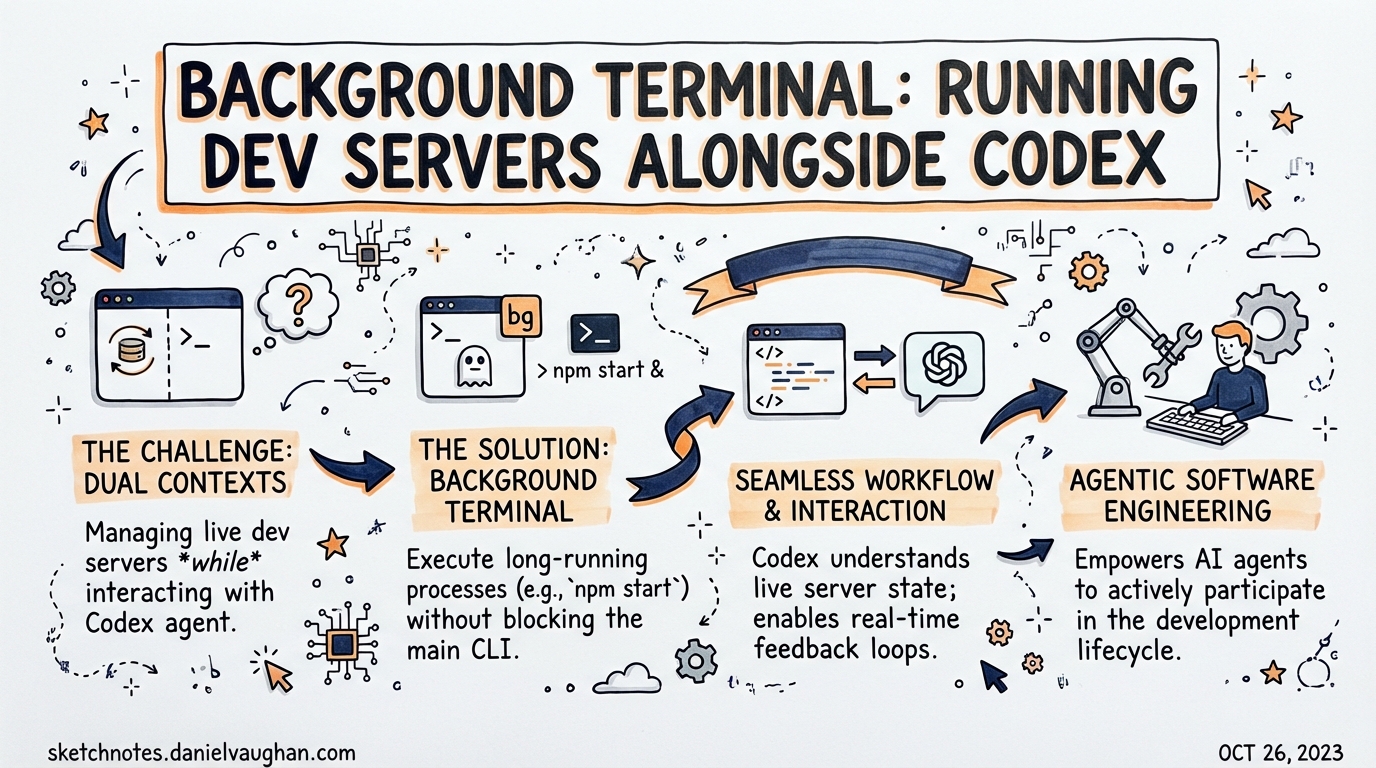
The Background Terminal is one of those features that sounds minor but fundamentally changes how you work with Codex. Here’s what it actually does and why it matters.
The Problem It Solves
Before Background Terminal, running a dev server in a Codex session was a blocking operation. You’d start npm run dev or python manage.py runserver, the process would occupy the terminal, and Codex couldn’t do anything else while it was running. The workaround was to open a second terminal window — workable, but friction.
Background Terminal eliminates this friction. It lets Codex multiplex work across tasks: a dev server runs silently in the background while Codex continues editing, testing, or responding to your prompts in the main thread.
How It Works
The feature is currently experimental — opt-in via the CLI, but was already default-on within OpenAI before external rollout. Thibault Sottiaux (@thsottiaux) confirmed it’s on track to become default for all users:
“Background Terminal is a Codex feature we’ve been baking for a bit and will soon turn on by default. More powerful than it sounds, it allows Codex to multiplex work and significantly speeds things up.”
Greg Brockman (@gdb) also flagged it:
“try enabling background processes in codex”
Enabling It
Type /experimental in the Codex CLI to open the experimental feature toggle panel. Enable Background Terminal (look for the toggle related to background processes or unified_exec), then restart Codex if prompted.
/experimental
The /ps Command
Once enabled, use /ps to inspect running background terminals:
/ps
This shows each background terminal’s command plus up to three recent, non-empty output lines — enough to check if your dev server started, if a build is still running, or if something crashed. The list populates when unified_exec is in use.
What It Actually Enables
1. Dev Server + Editing in One Session
The primary use case: spin up a dev server and keep coding.
# Codex starts the server in a background terminal
npm run dev   # (backgrounded via unified_exec)

# You continue working:
"Add error handling to the login route"
Codex can now check the server output (via integrated terminal reading, also new in March 2026) to see if the route responds correctly — without you copy-pasting anything.
2. Live Debug Loop
Ahmed (OpenAI Developer Relations) described the key workflow:
“Background Terminal is a big unlock for Codex. It opens so many possibilities by giving the agent more autonomy. In this video, the agent spins up a server in the background and is able to debug it meanwhile.”
The agent can:
- Start the server in a background terminal
- Make a code change
- Hit the server endpoint to verify the change works
- Iterate — all in one continuous session
Previously this required manual switching between windows and copy-pasting error output.
3. Interactive TUI Processes
Background Terminal is more than just fire-and-forget. The GitHub issue tracking the feature (#8779) notes that these are interactive sessions — Codex can interact with processes that require input, including TUI applications. Examples:
git rebase -i— Codex can navigate the interactive rebase UIpsqlorsqlite3— database REPL sessionsnpm init— interactive scaffolding tools that prompt for answers
This is qualitatively different from running a command and capturing output — it’s a live terminal session the agent can participate in.
4. Background Builds
Run a long compilation or test suite in the background while Codex works on something unrelated:
# Background: cargo build (10 minutes)
# Foreground: Codex drafting the PR description, updating docs, etc.
When the build finishes, Codex can check the result via /ps or integrated terminal reading.
Important Behaviour: Interrupt Handling
A key improvement shipped in the same release cycle: interrupting a turn no longer tears down background terminals by default. Previously, pressing Ctrl+C to cancel Codex mid-turn would also kill any background processes. Now your dev server keeps running even if you interrupt Codex.
Integration with Integrated Terminal Reading
Background Terminal pairs naturally with the integrated terminal reading feature (also released in March 2026). With integrated terminal reading, Codex can read the current thread’s terminal output — including the logs from background processes — and incorporate that into its reasoning.
This closes a key loop: Codex can observe the effects of its changes by reading server logs or test output, not just make the changes.
Practical Patterns for Agentic Pod Workflows
For Daniel’s agentic pod setup, Background Terminal opens several useful patterns:
Pattern 1: Server-aware TDD
Start the test server in background → Edit code → Auto-run tests against live server → Iterate
Pattern 2: Parallel feature development
Background terminal A: Existing API server (for integration testing)
Background terminal B: New feature branch dev server
Foreground: Codex editing + verifying both
Pattern 3: Long CI + parallel work
Background: ./run-full-test-suite.sh (10 min)
Foreground: Codex working on next task
When test suite finishes: /ps to check pass/fail, then continue
Current Status and Roadmap
| Status | Detail |
|---|---|
| Feature state | Experimental (opt-in) |
| Enable via | /experimental in CLI |
| Expected default | Soon (confirmed by @thsottiaux) |
| Currently default-on | Within OpenAI internally |
| Interactive processes | Supported (TUI-capable) |
| Interrupt behaviour | Background terminals survive turn interruption |
Key Sources
- @thsottiaux tweet — confirmation + context
- @gdb tweet — Greg Brockman endorsement
- GitHub issue #8779 — feature description discussion
- OpenAI slash commands docs —
/pscommand documentation
Published: 2026-03-28