Codex CLI Feature Flags and TUI Tuning: The Hidden Configuration Layer
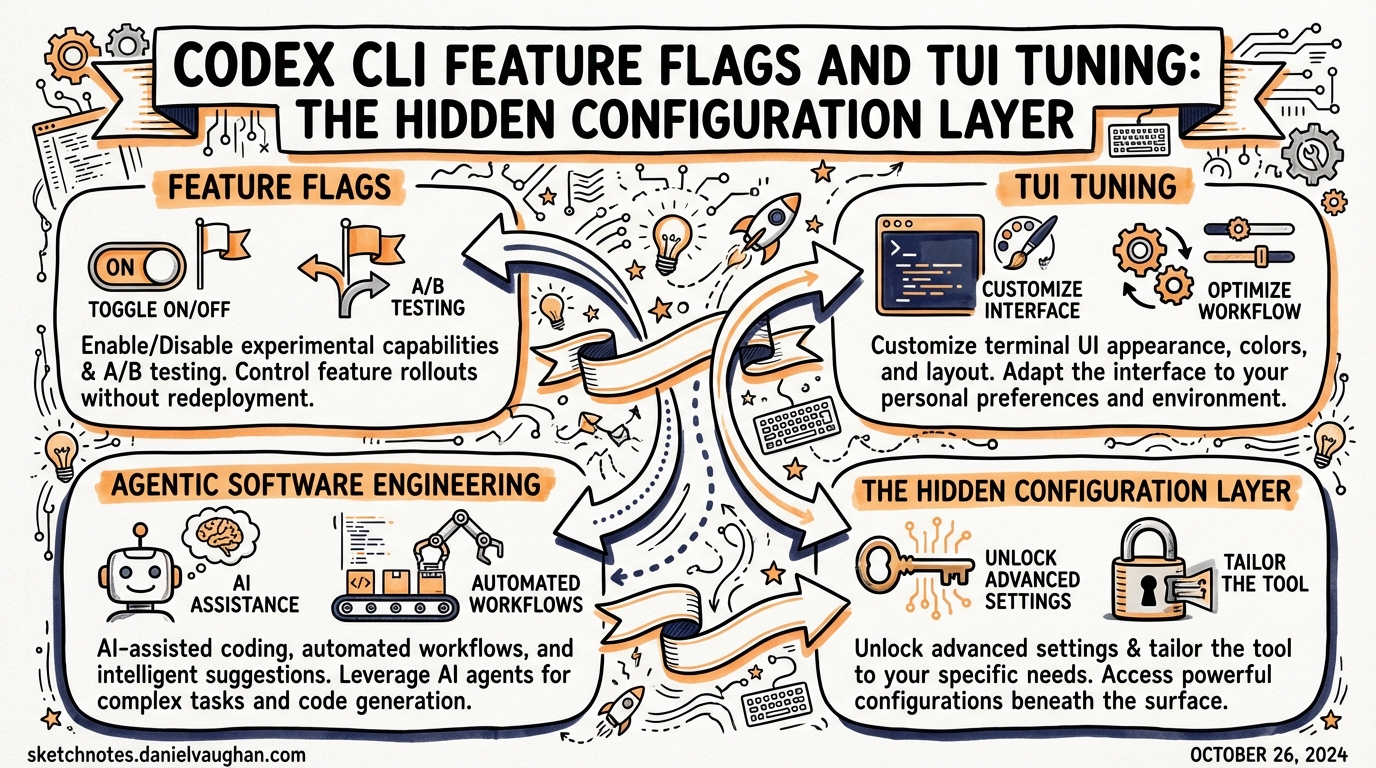
Codex CLI Feature Flags and TUI Tuning: The Hidden Configuration Layer
Published: 2026-03-28
Most Codex CLI users configure the obvious knobs — model, approval policy, MCP servers — and leave the rest at defaults. But buried in ~/.codex/config.toml are two sections that significantly affect runtime behaviour and ergonomics: the [features] table and the [tui] section. Neither is prominently documented, yet they expose controls over execution strategy, operation-level undo, terminal theming, and notification routing that are genuinely useful once you know they exist.
The [features] Table
Codex maintains a small set of named feature flags that govern execution strategy and optional capabilities. You can inspect and modify them in three equivalent ways1:
# Interactive: list all flags and their current state
codex features list

# Persistent: write directly to config
codex features enable unified_exec
codex features disable shell_snapshot

# Session-scoped: override for a single run
codex --enable-feature undo --disable-feature shell_snapshot "Refactor the auth module"
All three methods ultimately write to (or read from) the [features] section of ~/.codex/config.toml. When combined with --profile, changes are scoped to that profile rather than the root config1:
[features]
unified_exec    = true
shell_snapshot  = true
multi_agent     = true
undo            = false   # opt-in; off by default
personality     = true
apps            = false   # experimental
unified_exec: PTY-backed Execution
The most consequential flag is unified_exec, which routes all shell commands through a PTY (pseudo-terminal) session rather than a plain subprocess.2 This is on by default on macOS and Linux, off on Windows because Windows lacks a POSIX PTY layer.
With unified_exec enabled, Codex behaves like a real interactive terminal:
- Background processes can be launched and tracked
- The
/psslash command shows running background terminals with their last three output lines3 - Commands that stream output indefinitely (
npm run dev,docker compose logs --follow,tail -f) work as expected — but Codex won’t auto-kill them, so they remain “in progress” until explicitly interrupted4
If you disable unified_exec, you lose background terminal support and the /ps command becomes empty. The trade-off is occasionally useful in constrained CI environments where PTY allocation fails.
shell_snapshot: Environment Caching
shell_snapshot snapshots the shell environment (variables, PATH, aliases) once at startup and reuses that snapshot for every subsequent command.5 It is stable and on by default.
The benefit is measurable for large monorepos with slow .bashrc/.zshrc sourcing: avoiding a full shell init on every command cuts seconds off multi-step refactors.
Disable it when you need your agent to pick up environment changes made mid-session — for example, if a hook or init script modifies PATH and you want commands that run later to see the updated value.
multi_agent: Subagent Capabilities
multi_agent gates the subagent spawning and coordination tools: spawn_agent, wait_agent, send_input, and the agent path-address scheme (/root/agent_a etc.).6 It is on by default. There is rarely a reason to disable this unless you are running Codex in a locked-down environment where subprocesses are explicitly restricted.
personality: Communication Style Controls
The personality flag exposes the /personality slash command and its three modes: friendly, pragmatic, and none.7 It is on by default.
When disabled, Codex reverts to a neutral default tone with no in-session personality switching. Useful for CI robots or enterprise installs where the communication style should be driven entirely by AGENTS.md instructions rather than a runtime selector.
The /undo Command (features.undo)
undo is the one flag that is stable but off by default.8 Enabling it activates the /undo slash command, which performs an operation-level rollback of file changes.
[features]
undo = true
Or per-session:
codex --enable-feature undo "Refactor the payment module"
How Operation-Level Rollback Works
When Codex writes files, it records the set of changes for each operation (a single turn’s tool calls) as a snapshot. /undo reverses the most recent snapshot — restoring all modified files at once.9 This is granular at the operation level, not at the individual file level, so a ten-file refactor reverts as a unit.
sequenceDiagram
    participant User
    participant Codex
    participant Filesystem

    User->>Codex: "Extract this function into a helper"
    Codex->>Filesystem: Writes auth.ts, helpers.ts, index.ts
    Codex->>Codex: Records operation snapshot [op-42]
    Codex-->>User: "Done. Extracted to helpers.ts."

    User->>Codex: /undo
    Codex->>Filesystem: Restores auth.ts, helpers.ts, index.ts from snapshot
    Codex-->>User: "Reverted op-42: 3 files restored."
Known Limitations
1. Conversation context is not reverted. /undo restores the working tree but not the chat history. Codex still remembers having done the work.10 The Responses API forkedAt mechanism (used by /fork) is the correct tool if you need both a code revert and a context revert.
2. VSCode extension staging bug. When undo is triggered from the IDE extension, the extension currently stages the restored files into the Git index as a side-effect.11 This is a known regression — do not rely on /undo via the IDE extension if you have staged changes you care about.
3. Not a substitute for git. The undo history is in-memory and does not survive a session restart. The recommended pattern is to commit a checkpoint before ambitious refactors, then use /undo only for quick iteration within a single session.
The [tui] Section
The TUI (terminal user interface) has its own configuration namespace. All keys live under [tui] in config.toml.12
[tui]
theme              = "gruvbox-dark"    # syntax-highlight theme; kebab-case
animations         = true              # welcome screen, spinner, shimmer
show_tooltips      = true              # onboarding tips on welcome screen
alternate_screen   = "auto"           # auto | always | never
notification_method = "auto"          # auto | osc9 | bel
notifications      = true             # bool, or list of event types
status_line        = ["model", "tokens", "cost", "git-branch"]
Theming with /theme
Open the live theme picker with the /theme slash command.13 As you scroll through built-in themes, syntax-highlighted code previews update in real time. Selecting a theme writes the kebab-case name to tui.theme automatically.
For custom themes, drop a .tmTheme file into $CODEX_HOME/themes/ (usually ~/.codex/themes/):
mkdir -p ~/.codex/themes
cp ~/my-theme.tmTheme ~/.codex/themes/
# now /theme will show it in the picker
⚠️ There is a known rendering bug in v0.105.0+: custom .tmTheme background colour overrides for markup.inserted, markup.deleted, and markup.changed are ignored in diff views, which always render with hardcoded bright green/red backgrounds.14
The community tool codex-themes (GitHub: ychampion/codex-themes) provides a theme manager that validates .tmTheme files, previews them in-terminal, and exports matching terminal palette configs for Alacritty/iTerm2/WezTerm.15
alternate_screen
By default, Codex occupies the terminal’s alternate screen buffer, which means the TUI disappears cleanly on exit. Set to never if you want TUI output to remain in your scrollback, or if you are running inside Zellij where alternate screen interferes with pane scrollback.16
status_line
The status line is the configurable footer across the bottom of the TUI. You can reorder, remove, or add items by setting an ordered array:
[tui]
status_line = ["model", "tokens", "cost", "git-branch", "agent-count"]
Set to null to disable the status line entirely:
[tui]
status_line = null
The /statusline slash command provides an interactive picker for the same setting.17
notifications
By default, Codex emits a system notification when an agent turn completes — useful when running long background tasks. You can narrow this to specific event types:
[tui]
notifications = ["agent-turn-complete"]
Or disable entirely:
[tui]
notifications = false
The notification_method key controls the signalling mechanism: osc9 (supported in WezTerm, Windows Terminal, ConEmu), bel (a terminal bell), or auto which probes for the best available method.18
Profile-Scoped Feature Flags
A powerful pattern is combining --profile with feature flags to get context-appropriate configurations without modifying your global defaults:
# ~/.codex/config.toml

[profiles.ci]
model = "gpt-5.4-mini"

[profiles.ci.features]
undo            = false   # no undo state in CI sessions
unified_exec    = true
multi_agent     = true
personality     = false

[profiles.ci.tui]
notifications   = false
animations      = false
status_line     = null

[profiles.deep-work]
model = "gpt-5.4"

[profiles.deep-work.features]
undo = true

[profiles.deep-work.tui]
theme = "tokyonight-storm"
notifications = ["agent-turn-complete"]
Then:
# Quiet, headless CI run
codex --profile ci exec "Run the full regression suite and fix failures"

# Long-running local session with undo safety net and preferred theme
codex --profile deep-work
Profile-scoped [features] and [tui] keys merge with (and override) the root config, so you only need to specify the keys that differ.19
Practical Recommendations
| Scenario | Recommended Flags |
|---|---|
| CI/CD pipelines | unified_exec=true, personality=false, undo=false, animations=false |
| Long local sessions | undo=true, shell_snapshot=true, preferred theme |
| Constrained environments | unified_exec=false (PTY unavailable), multi_agent=false |
| Windows native | unified_exec left at default false; sandbox_type = "windows_restricted" |
| Subagent workers | undo=false (workers shouldn’t maintain undo state), personality=false |
The /experimental slash command provides a runtime toggle for features.* flags within a live session — changes persist to config unless you use --profile to scope them.20
Summary
The [features] and [tui] sections are where Codex’s runtime behaviour becomes configurable rather than fixed. The three flags worth explicitly reviewing in any production setup are unified_exec (execution model), undo (opt-in safety net), and personality (tone control for CI bots). On the TUI side, tui.theme, tui.status_line, and tui.notifications are the highest-leverage knobs for daily ergonomics. Combine them with named profiles to get context-appropriate configurations without polluting your global defaults.
Citations
-
[Features – Codex CLI OpenAI Developers](https://developers.openai.com/codex/cli/features) -
Unified exec never detaches from long-running streaming commands · Issue #5948 · openai/codex ↩
-
[Slash commands in Codex CLI OpenAI Developers](https://developers.openai.com/codex/cli/slash-commands) -
Unified exec never detaches from long-running streaming commands · Issue #5948 · openai/codex ↩
-
[Sample Configuration – Codex OpenAI Developers](https://developers.openai.com/codex/config-sample) -
[Configuration Reference – Codex OpenAI Developers](https://developers.openai.com/codex/config-reference) -
[Configuration Reference – Codex OpenAI Developers](https://developers.openai.com/codex/config-reference) -
[Configuration Reference – Codex OpenAI Developers](https://developers.openai.com/codex/config-reference) -
CLI: Add /rewind checkpoint restore that reverts both chat context and Codex-applied code edits · Issue #11626 · openai/codex ↩
-
Clicking “Undo” on file changes should absolutely not be staging changes into git · Issue #5082 · openai/codex ↩
-
[Configuration Reference – Codex OpenAI Developers](https://developers.openai.com/codex/config-reference) -
Control over color theme in TUI · Issue #1618 · openai/codex ↩
-
Codex CLI themes are genuinely unusable · Issue #12912 · openai/codex ↩
-
[Configuration Reference – Codex OpenAI Developers](https://developers.openai.com/codex/config-reference) -
[Slash commands in Codex CLI OpenAI Developers](https://developers.openai.com/codex/cli/slash-commands) -
[Configuration Reference – Codex OpenAI Developers](https://developers.openai.com/codex/config-reference) -
[Advanced Configuration – Codex OpenAI Developers](https://developers.openai.com/codex/config-advanced) -
[Slash commands in Codex CLI OpenAI Developers](https://developers.openai.com/codex/cli/slash-commands)