Codex CLI for Mobile Teams: iOS, Android and Xcode 26.3
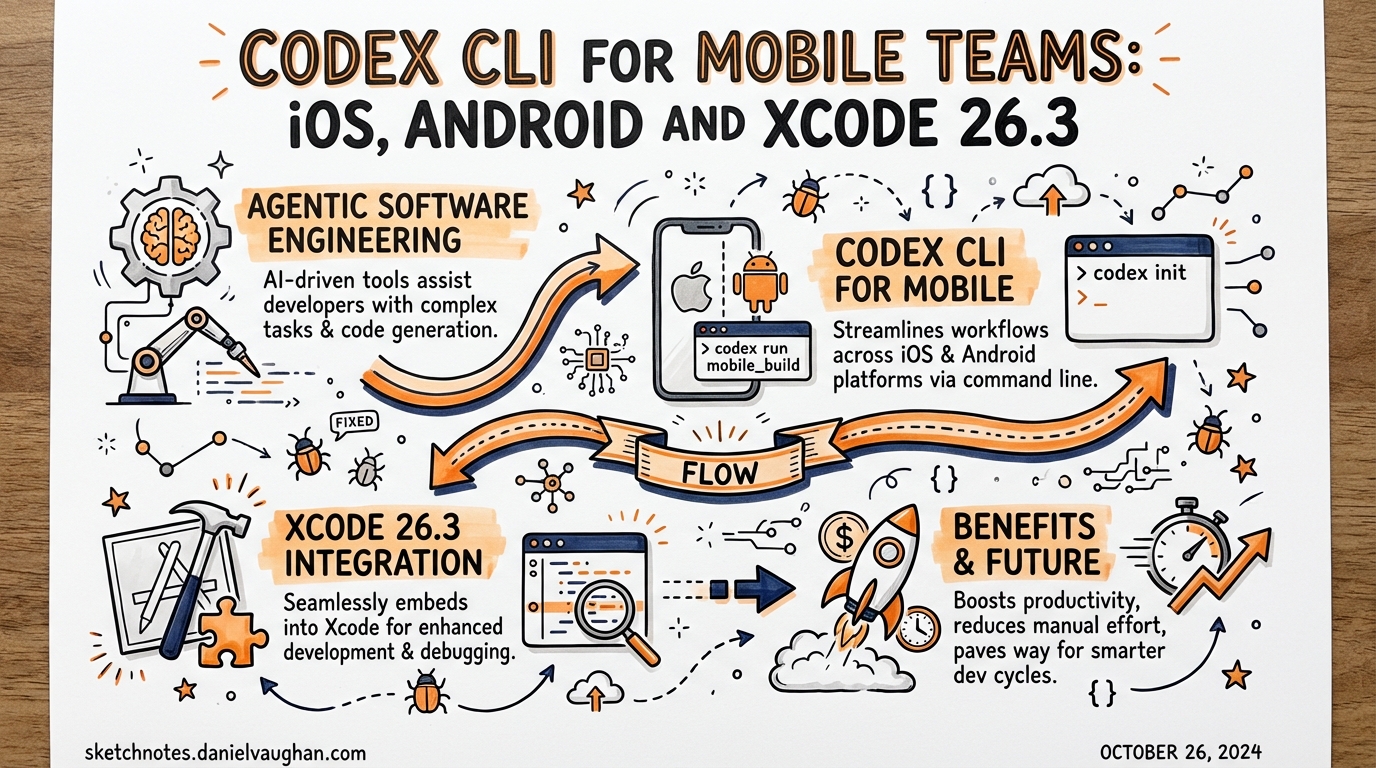
Codex CLI for Mobile Teams: iOS, Android and Xcode 26.3
On February 3, 2026, Apple released Xcode 26.3 — described by the iOS developer community as the biggest change to how iOS developers write code since SwiftUI replaced Interface Builder. The headline feature: native Codex and Claude Code integration via MCP. For mobile teams, this changes the Codex setup story completely.
What Changed with Xcode 26.3
Xcode 26.3 embeds Codex and Claude Code as native agent runtimes — not plugins or API wrappers. Agents can:
- Explore your project file structure
- Write and update Swift/Objective-C/Kotlin code
- Build projects and parse build logs
- Run specific tests or full test suites
- Render SwiftUI previews as image snapshots and iterate on visual feedback
- Search Apple developer documentation (including WWDC transcripts)
- Modify project settings and navigate the Xcode project navigator
The architecture is: Agent → MCP Protocol → mcpbridge → XPC → Xcode.
mcpbridge is a binary shipped with Xcode 26.3 that exposes 20 Xcode capabilities as MCP tools. Run it via xcrun mcpbridge.
The 20 MCP Tools
| Category | Tools |
|---|---|
| File Operations | XcodeRead, XcodeWrite, XcodeUpdate, XcodeGlob, XcodeGrep, XcodeLS, XcodeMakeDir, XcodeRM, XcodeMV |
| Build & Test | BuildProject, GetBuildLog, RunAllTests, RunSomeTests, GetTestList |
| Code Analysis | XcodeListNavigatorIssues, XcodeRefreshCodeIssuesInFile |
| Execution & Preview | ExecuteSnippet, RenderPreview |
| Discovery | DocumentationSearch, XcodeListWindows |
RenderPreview is the standout tool — it gives Codex visual feedback that no terminal-based workflow can replicate. The agent can write a SwiftUI view, capture a live preview, compare it to a design spec, and iterate without human involvement.
Setup: Connecting Codex CLI to Xcode
Option 1: Built-in (easiest)
Navigate to Xcode → Settings → Intelligence → OpenAI → Codex. This connects Xcode’s bundled Codex instance, which is optimised for Apple development but may lag behind the latest CLI version.
Option 2: Connect your existing Codex CLI install
# Register Xcode as an MCP server in your Codex config
codex mcp add xcode -- xcrun mcpbridge
This adds an entry to your Codex config.toml:
[mcp_servers.xcode]
command = "xcrun"
args = ["mcpbridge"]
⚠️ Maintenance note: Xcode maintains its own
config.tomland skills directory, separate from your standalone Codex install. If you update skills or hooks in~/.codex/, you need to sync them to Xcode’s config location manually. Use symbolic links to keep them in sync.
# Symlink skills directory to Xcode's Codex install
ln -sf ~/.codex/skills ~/Library/Application\ Support/Xcode/Codex/skills
AGENTS.md for Swift/iOS Projects
A minimal AGENTS.md for an iOS project:
# iOS Project Agent Guide

## Stack
- Swift 6, SwiftUI, SwiftData
- Xcode 26.3 with agentic coding enabled
- Swift Testing (not XCTest)
- Architecture: MVVM + @Observable

## Build & Test
- Build: use BuildProject MCP tool (faster than shell)
- Tests: `RunSomeTests` for targeted runs; `RunAllTests` before PR
- Preview verification: use RenderPreview after any UI change

## Code Conventions
- Use Swift Concurrency (async/await, actors) throughout
- No force unwrapping — use guard let or throw
- SwiftData models use @Model macro
- Navigation: NavigationStack with typed NavigationPath

## What NOT to change
- Never modify signing configuration (.xcconfig files)
- Don't touch Info.plist manually — use Xcode build settings
- Fastfile lanes handle App Store submission — don't invoke manually

## When to stop and ask
- UI changes affecting accessibility
- Changes to Core Data migration versions
- Any modification to network security settings
Key principle: Include your tech stack, conventions, and — critically — what not to touch (signing, entitlements, CI credentials). iOS projects have more dangerous auto-change zones than web apps.
Skills for iOS Development
Several community Swift skills are available and should be added to your Xcode skills directory:
| Skill | Source | Purpose |
|---|---|---|
swiftui-patterns |
Dimillian/Skills | SwiftUI best practices, modern view patterns |
swift-concurrency |
Dimillian/Skills | Actor isolation, async/await, structured concurrency |
swift-testing |
Community | Swift Testing framework patterns (not XCTest) |
software-mobile |
mosif16/codex-skills | Cross-platform mobile architecture patterns |
Install pattern (copy into Xcode’s Codex skills folder):
# Sync a skill from your main Codex install
cp ~/.codex/skills/swiftui-patterns.md \
  ~/Library/Application\ Support/Xcode/Codex/skills/
Android Development: Codex Without Xcode MCP
Android doesn’t have an equivalent of Xcode 26.3’s mcpbridge yet (IntelliJ 2026.1 added MCP agent support, but without the depth of Xcode’s tool surface). For Android teams, Codex operates via the standard terminal workflow.
Android AGENTS.md template
# Android Project Agent Guide

## Stack
- Kotlin 2.x, Jetpack Compose
- Gradle (Kotlin DSL), AGP 9.x
- Hilt for DI, Room for local storage
- Retrofit + Kotlin Coroutines for networking

## Build & Test
- Build: `./gradlew assembleDebug`
- Unit tests: `./gradlew test`
- Instrumented tests: `./gradlew connectedAndroidTest` (emulator required)
- Lint: `./gradlew lint` — fix before PR

## Conventions
- Composables use StateHolder pattern (not ViewModel directly in Compose)
- No Java — Kotlin only
- All coroutines must use structured concurrency (no GlobalScope)

## What NOT to change
- keystore files and signing configs
- google-services.json
- Gradle version catalog (libs.versions.toml)
Running Android subagents
For parallelism on Android projects, use separate worktrees per feature — same as any Codex parallel workflow:
git worktree add ../feature-a -b feature/auth
git worktree add ../feature-b -b feature/profile
codex --cd ../feature-a "Implement auth screen with Hilt DI"
codex --cd ../feature-b "Implement profile screen"
React Native and Cross-Platform Teams
For teams using React Native (targeting both iOS and Android):
Key decision:
- Pure iOS → Swift + SwiftUI + Xcode 26.3 MCP (full agentic capability)
- Pure Android → Kotlin + Jetpack Compose + terminal Codex
- Both platforms, maximum performance → separate native apps with separate Codex sessions per platform
- Code sharing priority → React Native with Fastlane CI
Fastlane + Codex integration
Fastlane automates the parts of mobile CI that Codex can’t do autonomously (code signing, App Store submission, certificate management). Use Codex for code changes, Fastlane for delivery:
# Fastfile: a lane Codex can call safely
lane :test_and_lint do
  sh("codex exec 'run all tests and fix any failures'")
  run_tests(scheme: "MyApp")
  swiftlint(strict: true)
end
The boundary rule: Codex touches code, Fastlane touches the delivery pipeline. Don’t let Codex invoke signing lanes — put that in your AGENTS.md “What NOT to change” section.
AGENTS.md for React Native
# React Native Agent Guide

## Stack
- React Native 0.79, TypeScript
- Expo SDK 53 (managed workflow)
- React Query + Zustand for state

## Build & Test
- Unit tests: `npx jest`
- iOS: `npx expo run:ios --device`
- Android: `npx expo run:android`
- E2E: `npx maestro test flows/` — run before any PR

## Native Modules
- Don't create new native modules without discussion
- Use Expo APIs first (camera, location, notifications)

## Fastlane
- Never run Fastlane lanes from agent sessions
- CI handles all code signing and submission
CI/CD Patterns for Mobile Teams
GitHub Actions with Codex CLI
name: AI Code Review
on: [pull_request]
jobs:
  review:
    runs-on: macos-latest
    steps:
      - uses: actions/checkout@v4
      - name: Codex Review
        uses: openai/codex-action@v1
        with:
          prompt: |
            Review this PR for:
            - Swift concurrency issues (data races, actor isolation)
            - Memory leaks (strong reference cycles)
            - Missing error handling in network calls
            - UI code running off the main actor
          approval_mode: full-auto
The Xcode 26.3 agentic feedback loop
The ideal iOS development loop with Codex in Xcode:
- Developer writes a failing Swift test (describes the intent)
- Dispatch Codex:
"Make this test pass" - Codex writes implementation, calls
BuildProject, runsRunSomeTests - On failure: reads
GetBuildLog, iterates - On pass: calls
RenderPreviewto verify UI if applicable - Developer reviews the diff — architecture decision, not typing
Requirements and Constraints
- macOS 26 Tahoe on Apple Silicon is required for Xcode 26.3 agentic coding (no Intel support)
- Paid OpenAI account needed for Codex within Xcode
mcpbridgerequires Xcode 26.3+ — confirm withxcrun mcpbridge --version- Known issue:
mcpbridgeRC1 had a spec compliance bug (structuredContent field missing) — update to GA release
Key Sources
- Apple Newsroom: Xcode 26.3 Agentic Coding (February 3, 2026)
- Apple Developer Tech Talk: Meet agentic coding in Xcode
- Swiftjective-C: Agentic Coding with Codex and Claude Code in Xcode
- Dimillian/Skills — Swift Codex Skills
- mosif16/codex-skills — software-mobile skill
Published: 2026-03-28