Codex CLI Thread Management: Forking, Resuming and Context Lifecycle
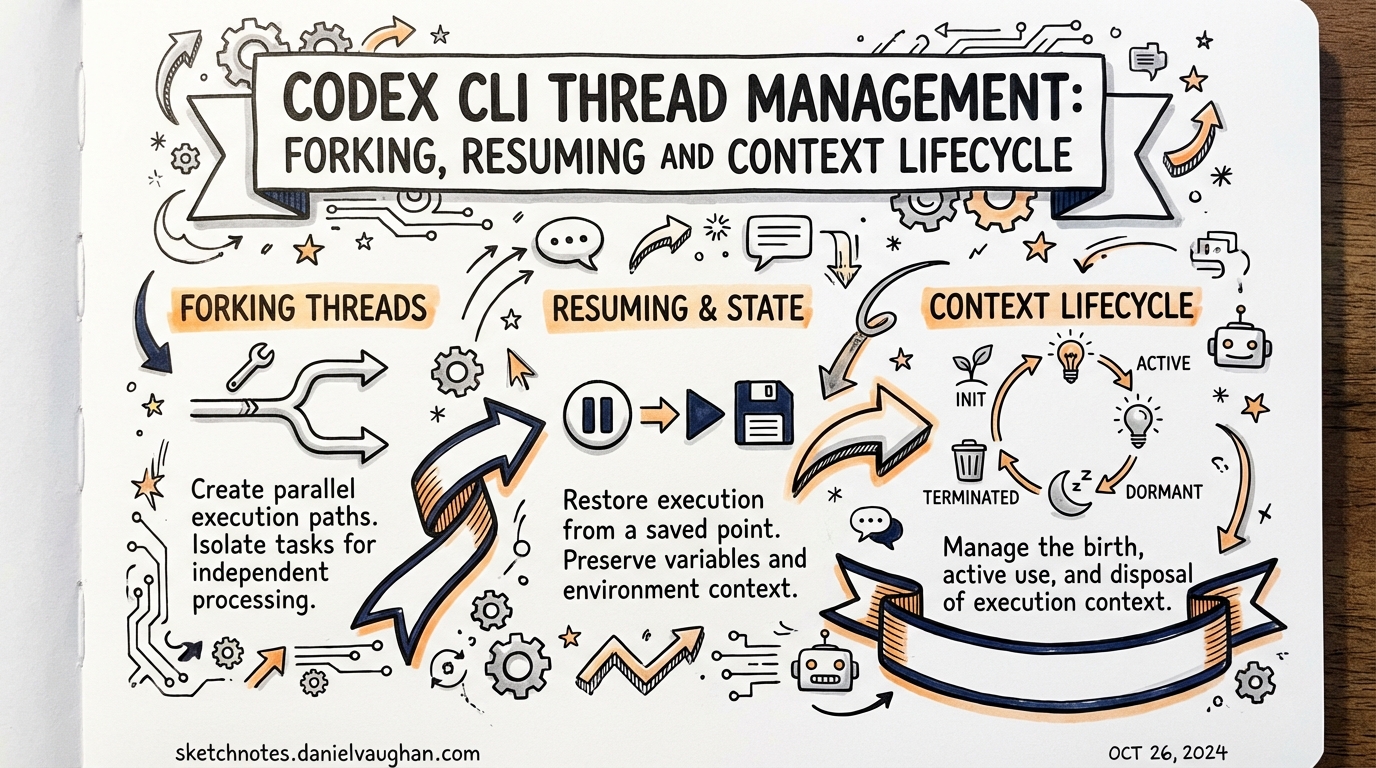
Codex CLI Thread Management: Forking, Resuming and Context Lifecycle
A Codex session is a thread — a sequence of turns stored as a JSONL file with a UUID. Managing threads well is the difference between losing 45 minutes of agent work to a context overflow and confidently navigating multi-day, multi-branch agentic workflows.
The Thread Model
Each Codex session creates a thread with:
- A UUID (session ID)
- A working directory at time of creation
- A JSONL transcript of all turns
- Metadata: model, approval mode, creation/updated timestamps
Threads persist locally until manually deleted or cleaned by the compaction policy. The codex resume command re-opens them; codex fork branches them.
Resume: Continuing Where You Left Off
codex resume                      # opens an interactive session picker
codex resume --last               # reopens the most recent session
codex resume <SESSION_ID>         # resume a specific session by UUID
codex resume --all                # include sessions outside the current directory
The session picker displays threads sorted by last-updated time by default. Press m in the picker to toggle between creation time and last-updated sort order.
Use resume when:
- You interrupted a long task (Ctrl+C mid-run)
- You want to continue yesterday’s refactoring session
- A session timed out but the transcript is intact
After resuming: The agent picks up from the last turn. Codex rejoin active in-memory threads if still available; otherwise it reconstructs from the transcript.
Resuming from within a session
/resume # opens session picker inline, without leaving current TUI
Fork: Parallel Exploration Without Losing Original
Forking creates a new thread from an existing one, preserving the original transcript untouched. The fork gets a new UUID and diverges from that point.
Fork from CLI
codex fork                        # opens session picker to choose branch point
codex fork --last                 # forks the most recent session
codex fork <SESSION_ID>           # fork a specific session
codex fork <SESSION_ID> --all     # include out-of-directory sessions in picker
Fork from within a session
/fork # clones current conversation into a new thread, fresh UUID
You can also fork from an earlier message (not just the latest turn):
- Press
Escto walk back through the transcript - Navigate to the point you want to branch from
- Press
Enterto fork from that message
When to fork vs. start new
| Situation | Use |
|---|---|
| “What if I tried this differently?” | /fork — preserve the working attempt |
| Exploring two architectural approaches simultaneously | codex fork into two branches |
| Starting an unrelated task | /new — no need to carry prior context |
| Debugging: want to try risky fix without losing stable state | /fork first |
| Running the same task against a different codebase | codex fork --cd /other/project |
Known limitation (as of March 2026)
codex fork is TUI-only — it requires an interactive terminal and does not support --json output. This means you cannot use it programmatically in CI pipelines or codex exec scripts. Issue #11750 is tracking headless fork support.
Compaction: Managing Context Window Limits
Long sessions accumulate tokens. When you approach the context limit, Codex displays a warning. Strategies:
Manual compaction
/compact # summarises earlier turns to free tokens, preserving key details
The compaction heuristic keeps:
- Recent turns (last N messages verbatim)
- Tool results from the current task
- Important decisions and artefacts (files written, tests passing)
What it drops:
- Earlier exploration and iteration
- Intermediate failed attempts
- Verbose tool outputs from resolved steps
Proactive compaction patterns
Don’t wait for the warning. Compact at natural breakpoints:
# After completing a sub-task:
"Good, the auth module is done. /compact — let's move to the payment flow."
Subagent delegation as compaction strategy:
For the largest tasks, delegate to a subagent before context overflow:
# subagents.toml
[[agents]]
name = "feature-implementer"
prompt = "You are implementing the payment flow. Context: [key decisions from main session]. Repository: /path/to/project. Run tests after each change."
model = "gpt-5.4"
The subagent starts with a clean context window, inheriting only the summary you explicitly pass. This is more surgical than /compact.
Context Lifecycle in Practice
Session created
      │
      ▼
  ACTIVE thread  ◄──── /fork ─────┐
      │                           │
      ├── turns accumulate        │ new branch, same history up to fork point
      ├── /compact periodically   │
      │                           │
      ▼                         fork-point transcript preserved
  approaching limit
      │
      ├── /compact (light)
      ├── delegate to subagent (heavy)
      └── codex fork + start fresh in fork (nuclear option)
      │
      ▼
  Session ends (exit/Ctrl+C/timeout)
      │
      ▼
  ARCHIVED thread (JSONL on disk)
      │
      ├── codex resume → continue
      └── codex fork → branch
Session Picker Navigation
The interactive pickers for resume and fork support:
↑↓— navigate sessionsEnter— selectCtrl+C/Ctrl+D— exit picker without selectingm— toggle sort between creation time and last-updated/— filter by name or date (if supported in your version)
/status: Know Your Context Budget
Before committing to a long task, check your token budget:
/status
Output includes:
- Active model
- Approval policy
- Writable roots
- Remaining context capacity — the key metric
Rule of thumb: if remaining context is below 20%, compact or delegate before starting a new complex subtask.
Thread Management in the Desktop App
The Codex desktop app adds visual thread management not available in the CLI:
- Pin important threads (won’t be auto-archived)
- Rename threads (assign meaningful names)
- Archive/unarchive threads (app-server emits notifications on archive state changes)
- Open in Finder — navigate to the working directory of any thread
- Resume/fork via thread context menu
- Thread search — filter threads by content or date
App-Server Thread Events (for integrations)
If you’re building on the App Server protocol, thread lifecycle events are available via the notification stream:
{ "method": "thread.archived", "params": { "threadId": "..." } }
{ "method": "thread.unarchived", "params": { "threadId": "..." } }
{ "method": "thread.stateChanged", "params": { "threadId": "...", "state": "in-progress" } }
Use these to build dashboards, CI status boards, or Slack notification systems that react to agent activity without polling.
Practical Recipes
Recipe 1: Checkpoint pattern for long refactors
# Start the refactor
codex "Refactor the auth module to use the new token service"

# After each major milestone, fork to checkpoint:
# /fork  (inside session)
# "Checkpoint: auth model updated, tests passing"

# If the next step goes wrong, resume the fork rather than undoing
codex resume --last  # or pick the checkpoint fork
Recipe 2: Multi-branch A/B implementation
# Start with shared context
codex "Here's the problem: [description]. Before implementing, let me think about two approaches."

# Fork for approach A
codex fork --last  # opens fork of this session
# In fork A: "Implement using the strategy pattern"

# Fork again from the same original for approach B
codex fork <ORIGINAL_SESSION_ID>
# In fork B: "Implement using the visitor pattern"

# Compare the two forks, pick the better one
Recipe 3: Safe CI thread resumption
# In GitHub Actions: resume a named thread for incremental CI work
codex resume <SESSION_ID> --full-auto --cd $GITHUB_WORKSPACE \
  "Continue the PR fixes. Current failing tests: $(cat test-output.txt)"
Note: headless fork is not yet supported; use resume for CI thread continuity.
Key Sources
- Codex CLI Reference: fork and resume
- Slash Commands Reference
- GitHub Issue #11750: codex exec fork (headless fork request)
- Codex Changelog: March 2026 thread fixes
Published: 2026-03-28