The codex-rs Architecture: How OpenAI Rewrote Codex CLI in Rust
The codex-rs Architecture: How OpenAI Rewrote Codex CLI in Rust
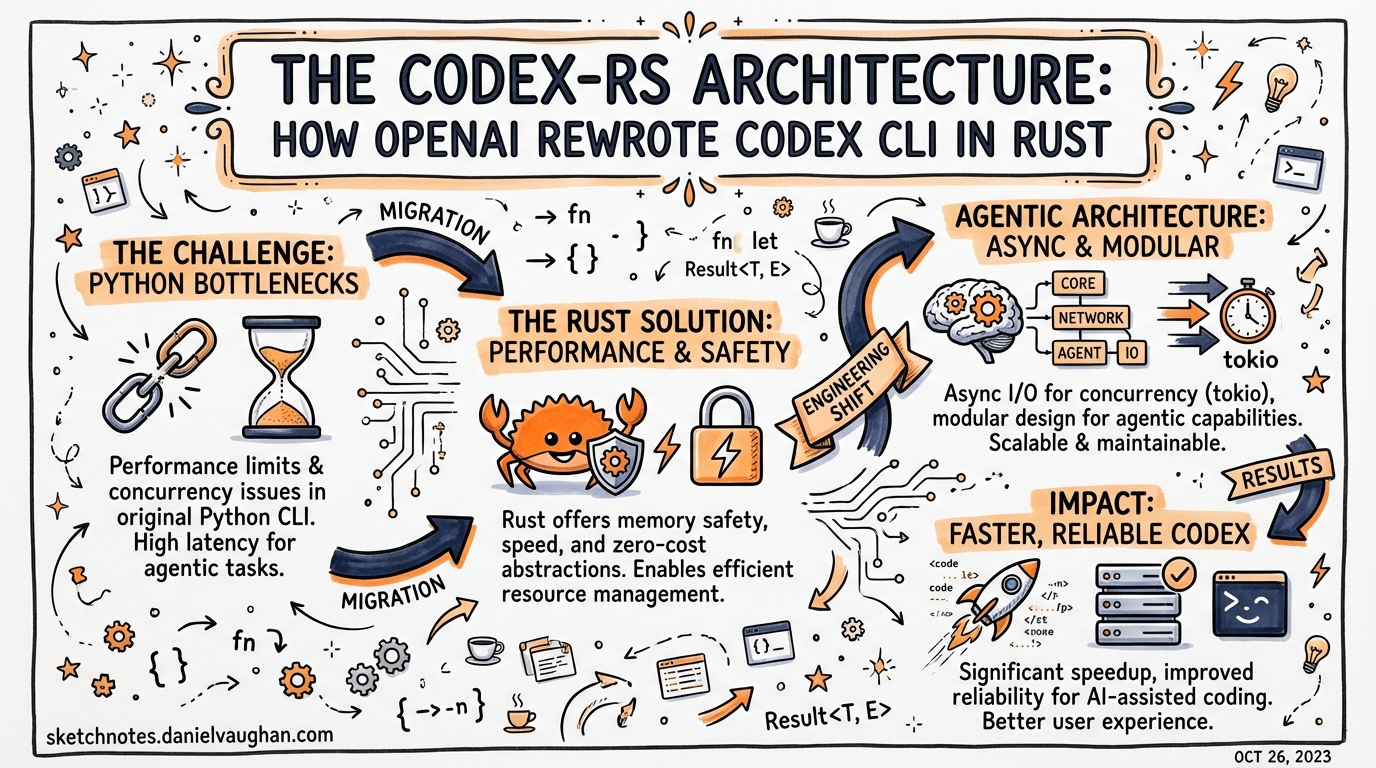
When OpenAI open-sourced Codex CLI in April 2025, the codebase was TypeScript on Node.js — a deliberate choice for velocity.1 Less than a year later, the project is 95.7% Rust.2 This article explains what changed, why, and what the new architecture looks like from the inside.
Why Rust?
The TypeScript CLI shipped quickly and iterated well. But it carried structural constraints that compounded as the project matured.1
Node.js as a hard dependency. Requiring Node v22+ created installation friction. Every user needed a separate runtime. Packaging for enterprise and air-gapped environments required bundling Node or using awkward shimming layers.
Garbage collection overhead. The GC pause model is incompatible with the latency and memory budgets of a long-running agentic process. A coding session that runs for hours accumulates history, tool call results, and rendered diffs — the TypeScript runtime’s heap grew accordingly.
Security bindings at arm’s length. Platform sandboxing (macOS Seatbelt, Linux Landlock) required native add-ons. In TypeScript these were FFI shims. In Rust, they’re first-class dependencies with memory-safety guarantees.
Extensibility ceiling. As sub-agents, plugins, and the app-server protocol matured, the TypeScript architecture struggled to provide a stable embedding surface for IDE extensions without duplicating logic.
Fouad Matin (Codex co-lead) announced the Rust-native work in GitHub Discussion #1174, noting the goal was “zero-dependency installation, native security bindings, no GC pauses, and a wire protocol that lets TypeScript, Python, and other languages extend the agent.”1
The TypeScript CLI remains in place as a wrapper for npm i -g @openai/codex installation and for the TypeScript SDK — but the engine is Rust.
The Workspace Structure
codex-rs/ is a Cargo workspace containing approximately 70 crates.3 The organisation follows a layered principle: user-facing entry points sit on top of a shared core engine, which talks down to platform and protocol layers.
graph TD
    subgraph "Entry Points"
        CLI[codex-cli<br/>multitool dispatcher]
        TUI[codex-tui<br/>interactive terminal]
        EXEC[codex-exec<br/>headless / CI]
        AS[codex-app-server<br/>IDE JSON-RPC bridge]
    end

    subgraph "Core Engine"
        CORE[codex-core<br/>agent orchestration<br/>tool routing<br/>session state]
        PROTO[codex-protocol<br/>Op / EventMsg types]
        CFG[codex-config<br/>layered TOML resolution]
        STATE[codex-state<br/>thread persistence]
    end

    subgraph "Platform + Integrations"
        MCP[codex-mcp-server<br/>MCP host + client]
        SBX[sandboxing<br/>Seatbelt / Landlock / RestrictedToken]
        MODEL[ModelClient<br/>OpenAI / Ollama / LM Studio]
    end

    CLI --> TUI
    CLI --> EXEC
    CLI --> AS
    TUI --> CORE
    EXEC --> CORE
    AS --> CORE
    CORE --> PROTO
    CORE --> CFG
    CORE --> STATE
    CORE --> MCP
    CORE --> SBX
    CORE --> MODEL
Key crates
codex-core is the reusable library crate OpenAI intends to publish for embedding agents in other Rust applications.4 It owns the ThreadManager, CodexThread, and Session structs that manage turn-by-turn model interactions, context compaction, and tool dispatch.
codex-tui provides the interactive fullscreen terminal UI using the Ratatui framework.3 Ratatui’s immediate-mode rendering — every frame redraws all visible widgets from scratch using intermediate buffers — gives sub-millisecond response times with no retained state to go stale. The TUI uses a conventional colour scheme: cyan for user tips, green for success, red for errors, magenta for Codex-branded elements. UI changes require insta snapshot tests.3
codex-exec is the headless non-interactive runner, equivalent to codex exec PROMPT. As of PR #14005, it routes through InProcessAppServerClient rather than wiring ThreadManager directly — unifying the internal plumbing with the IDE integration path.5
codex-app-server exposes the core engine over JSON-RPC 2.0 for VS Code, Cursor, and other IDE extensions. The protocol is defined in codex-protocol and TypeScript schema exports live in app-server-protocol/schema/typescript/.3 This is how IDE extensions communicate with a running Codex session without bundling the full Rust binary themselves.
codex-mcp-server makes Codex function simultaneously as both an MCP client (connecting to external tool servers) and an MCP server (exposing Codex capabilities to orchestrating agents).4
The Wire Protocol
Internal communication follows an asynchronous submit/event model, not a request/response pattern.3
sequenceDiagram
    participant Client as TUI / IDE / exec
    participant AS as app-server
    participant Core as codex-core

    Client->>AS: Submit(Op::UserTurn { text })
    AS->>Core: dispatch Op
    loop model + tool calls
        Core-->>AS: EventMsg::AgentMessageDelta
        Core-->>AS: EventMsg::ExecCommandBegin
        Core-->>AS: EventMsg::ExecCommandEnd
        AS-->>Client: stream events
    end
    Core-->>AS: EventMsg::TurnFinished
    AS-->>Client: TurnFinished
Operations (Op) include UserTurn, Interrupt, and Shutdown. Events (EventMsg) cover the full session lifecycle: TurnStarted, AgentMessageDelta, ExecCommandBegin/End, PatchApplied, TokensUsed, and more.3
This design decouples the rendering layer completely from the agent loop. The TUI subscribes to events; it does not call into the core engine synchronously. The same holds for the app-server — IDE extensions are pure event consumers.
Platform-Specific Sandboxing
All tool execution passes through ToolRouter, which enforces approval policies and selects the appropriate sandbox before spawning any process.3 The UnifiedExecProcessManager manages the lifecycle of sandboxed processes.
Three sandbox modes are available, configurable in ~/.codex/config.toml:4
# One of: "read-only", "workspace-write", "danger-full-access"
sandbox_mode = "workspace-write"
Platform implementations:
| Platform | Mechanism | What it isolates |
|---|---|---|
| macOS | /usr/bin/sandbox-exec (Seatbelt) |
File system access, network, process spawning |
| Linux | Landlock + seccomp | Filesystem paths, syscalls |
| Windows | Restricted token + ACLs | Object access, privilege scope |
The sandbox profile is applied to the entire process tree spawned by a tool call — not just the direct child process. This prevents tool calls from launching background workers that escape the policy.1
Context Management in Rust
The ContextManager in codex-core tracks token counts per turn and triggers compaction automatically.3 When the session approaches the model’s context limit, it spawns a CompactTask that replaces older messages with a structured summary, preserving recent history intact.
A notable fix between v0.54.0 and v0.56.0 corrected “summaries of summaries” — repeated compactions were recursively summarising prior summaries, which degraded long-session quality. The Rust rewrite made this bug tractable: the compaction path in codex-rs/core/src/codex/compact.rs now uses a clean template approach that avoids recursive accumulation.2
The ContextManager also manages prompt caching by tracking stable prefixes (system prompt + AGENTS.md content) that can be reused across turns without retransmission.
Configuration Resolution
codex-config implements layered configuration merging via ConfigBuilder:3
flowchart LR
    CLI_ARGS[CLI flags] -->|highest priority| MERGE[ConfigBuilder.build]
    ENV[Environment variables] --> MERGE
    PROJ[project config.toml] --> MERGE
    GLOBAL[~/.codex/config.toml] --> MERGE
    DEFAULTS[built-in defaults] -->|lowest priority| MERGE
    MERGE --> CONFIG[resolved Config struct]
This layering is why codex exec --model gpt-5-codex overrides the profile default, which overrides the global config, which overrides the compiled-in default — without any of these layers needing to know about the others.
What This Means for Users
Installation. The standalone Rust binary requires no Node.js. Download from GitHub releases, or use Homebrew (brew install --cask codex). The npm i -g @openai/codex path still works — the npm package is now a thin wrapper that downloads the Rust binary for your platform.4
Memory. Long agentic sessions on large codebases no longer grow Node.js heap without bound. The Rust runtime’s allocator is deterministic; GC pauses do not interrupt streaming output mid-turn.
Startup. The Rust binary starts in milliseconds. This matters for codex exec in CI pipelines where dozens of agents may be launched in parallel.
Approval mode names. The Rust rewrite renamed the approval modes. Legacy articles referencing suggest, auto-edit, or full-auto are using old TypeScript-era names. Current values are untrusted (approve every action), permissive (approve only destructive actions), and others defined in config.toml.2 ⚠️ Verify against your installed version’s help output, as names may vary between minor releases.
What This Means for Contributors
The AGENTS.md at the repo root contains Codex-specific contribution conventions:6
- All changes to
codex-rs/tuimust have correspondinginstasnapshot tests. - Changes that affect both
codex-rs/tuiandcodex-rs/tui_app_servermust be reflected in both unless explicitly documented otherwise. - The workspace is built from
codex-rs/— runcargo buildfrom there, not from the repo root. - TypeScript schema exports in
app-server-protocol/schema/typescript/are generated from Rust types; don’t edit them manually.
The codex-core crate is designed as a reusable library. If you’re building agentic tooling in Rust that needs a coding agent loop, this is OpenAI’s intended embedding surface.
Citations
-
Fouad Matin, “Codex CLI is Going Native”, GitHub Discussion #1174, openai/codex — https://github.com/openai/codex/discussions/1174 ↩ ↩2 ↩3 ↩4
-
“OpenAI Rewrites Codex CLI in Rust, Saying Goodbye to Node.js”, AIBase, 2026 — https://www.aibase.com/news/18549 ↩ ↩2 ↩3
-
“openai/codex Architecture Overview”, DeepWiki — https://deepwiki.com/openai/codex ↩ ↩2 ↩3 ↩4 ↩5 ↩6 ↩7 ↩8 ↩9
-
codex-rs/README.md, openai/codex GitHub repository — https://github.com/openai/codex/blob/main/codex-rs/README.md ↩ ↩2 ↩3 ↩4 -
“Add in-process app server and wire up exec to use it”, PR #14005, openai/codex — https://github.com/openai/codex/pull/14005 ↩
-
AGENTS.md, openai/codex GitHub repository — https://github.com/openai/codex/blob/main/AGENTS.md ↩