The Codex TypeScript SDK: Embedding Agents in Your Own Tooling
The Codex TypeScript SDK: Embedding Agents in Your Own Tooling
Published 2026-03-28. Sources: developers.openai.com/codex/sdk, github.com/openai/codex/tree/main/sdk/typescript, npm @openai/codex-sdk, DEV.to: kachurun
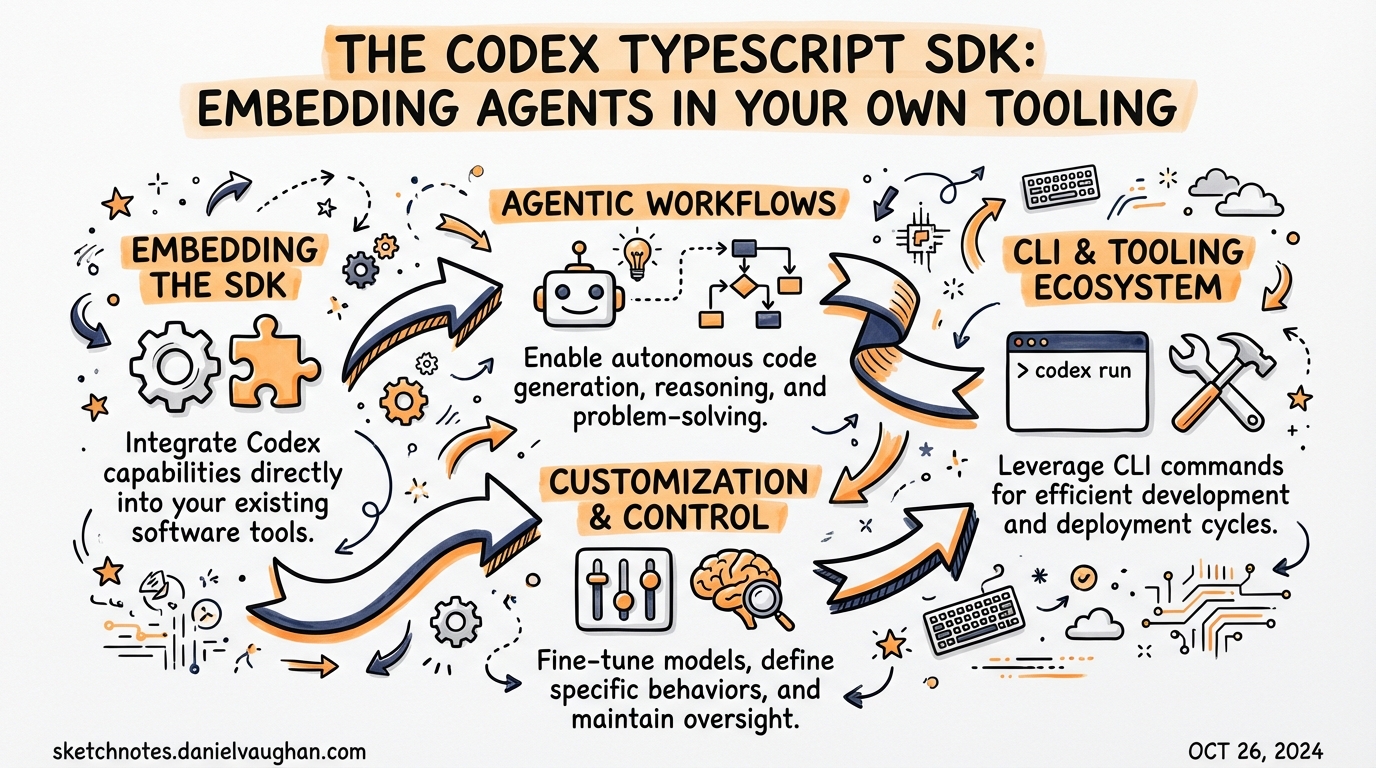
The Codex CLI is powerful in interactive mode, but its real leverage comes when you embed it programmatically. The Codex TypeScript SDK (@openai/codex-sdk) does exactly that — it wraps the CLI process, exchanges structured JSONL events, and gives your Node.js code full, typed control over the agent loop.
Why Embed Codex Programmatically?
The interactive TUI is great for exploratory work. But for:
- CI/CD pipelines — trigger code reviews or fixes on every PR
- Internal dev platforms — like Instacart’s “Olive” agent
- Custom dashboards — show tool calls and file changes in a web UI
- Multi-agent orchestration — chain Codex with other agents programmatically
…you need the SDK.
Install
npm i @openai/codex-sdk
Requires Node.js 18+. The SDK version tracks the CLI (e.g., 0.117.0).
Important: If you’re using the Rust-based native CLI binary (
@openai/codex@native), installripgrepas a dependency — Codex relies on it heavily:brew install ripgrep # macOS sudo apt install ripgrep # Linux
Core Concepts
| Concept | Description |
|---|---|
Codex |
Main entry point. Manages the CLI subprocess and configuration. |
Thread |
A conversation with the agent. Persists across turns in ~/.codex/sessions. |
thread.run() |
Run a turn and await completion (blocking, returns final output). |
thread.runStreamed() |
Run a turn and stream structured events as an async generator. |
resumeThread() |
Reconstruct a thread from a saved session ID. |
The SDK spawns the Codex CLI as a subprocess and exchanges JSONL over stdin/stdout. Your Node.js code is the orchestrator; the CLI is the agent.
Basic Usage
import { Codex, Thread } from "@openai/codex-sdk";

const codex = new Codex();
const thread = codex.createThread({
  workdir: "/path/to/project",
  approval: "auto",          // or "full-auto" for CI, "suggest" for interactive
  config: {
    model: "gpt-5.4",
    model_reasoning_effort: "high",
  },
});

// Single turn
const result = await thread.run("Add unit tests to src/auth.ts");
console.log(result.output);

// Continue the conversation
await thread.run("Now run the tests and fix any failures");
Streaming Events
Streaming is key for CI dashboards, real-time feedback, and building UIs on top of Codex.
const stream = thread.runStreamed("Refactor the payment module");

for await (const event of stream) {
  switch (event.type) {
    case "file_change":
      console.log(`Modified: ${event.path}`);
      break;
    case "tool_call":
      console.log(`Tool: ${event.tool_name} — ${JSON.stringify(event.args)}`);
      break;
    case "agent_message":
      process.stdout.write(event.content);
      break;
    case "task_complete":
      console.log("Done.");
      break;
  }
}
13 Event Types
The agent lifecycle produces these structured events:
| Phase | Events |
|---|---|
| Lifecycle | task_started, agent_reasoning, agent_message, task_complete |
| Approval requests | exec_approval_request, apply_patch_approval_request |
| Execution | exec_command_begin, exec_command_end, patch_apply_begin |
| MCP | mcp_tool_call_begin, mcp_tool_call_end |
| File I/O | file_change |
| Error | error |
Structured Output with Zod
Force the agent to return validated, typed JSON:
import { z } from "zod";
import { zodToJsonSchema } from "zod-to-json-schema";

const ReviewSchema = z.object({
  summary: z.string(),
  issues: z.array(z.object({
    file: z.string(),
    line: z.number(),
    description: z.string(),
    severity: z.enum(["low", "medium", "high", "critical"]),
  })),
  approveForMerge: z.boolean(),
});

const result = await thread.run("Review this PR for security issues", {
  outputSchema: zodToJsonSchema(ReviewSchema, { target: "openAi" }),
});

const review = result.structured as z.infer<typeof ReviewSchema>;
if (!review.approveForMerge) {
  core.setFailed(`PR blocked: ${review.issues.length} issues found`);
}
This pattern is powerful in CI: Codex does the analysis, Zod validates the schema, your pipeline acts on the result.
Approval Workflow
In auto mode, commands that modify the filesystem ask for approval. You can handle this programmatically:
// Event arrives:
// { type: "exec_approval_request", requestId: "abc123", command: ["npm", "install", "lodash"] }

// Inspect and decide
if (isSafeCommand(event.command)) {
  thread.handleCommand(event.requestId, true);   // approve
} else {
  thread.handleCommand(event.requestId, false);  // deny
}
For CI/CD, use approval: "full-auto" to skip all confirmations.
Thread Persistence
// Save the session ID after the first run
const sessionId = thread.id;
await fs.writeFile(".codex-session", sessionId);

// Later, in a different process or CI run
const savedId = await fs.readFile(".codex-session", "utf-8");
const thread = codex.resumeThread(savedId.trim());
const followUp = await thread.run("What did you change in the last session?");
Threads persist in ~/.codex/sessions. Use this for:
- Multi-step CI workflows spanning multiple pipeline stages
- “Check back in 10 minutes” async task patterns
- Long-running refactors that checkpoint between sessions
Multimodal Input
Pass images alongside text for UI-aware tasks:
const result = await thread.run([
  { type: "text", text: "Fix the layout regression shown in this screenshot" },
  { type: "local_image", path: "./screenshots/regression.png" },
]);
Environment Isolation
Control what environment variables the CLI subprocess receives:
const codex = new Codex({
  env: {
    OPENAI_API_KEY: process.env.OPENAI_API_KEY,
    // Exclude secrets not needed by the agent
    // Useful for Electron apps with custom sandboxing
  },
});
This is critical for security — don’t pass your entire process.env blindly.
Git Repository Requirement
Codex requires the working directory to be a Git repo (to enable safe file rollbacks). Skip this check only for trusted scratch environments:
const thread = codex.createThread({
  workdir: "/tmp/scratch",
  skipGitRepoCheck: true,
});
Native SDK (High Performance)
A Rust-powered variant (@codex-native/sdk via napi-rs) eliminates the child process entirely:
import { CodexNative } from "@codex-native/sdk";

// Direct in-process execution, no subprocess overhead
const agent = new CodexNative({ workdir: "." });
Use the native SDK when:
- You’re building an Electron app with custom environment isolation
- You have tight orchestration loops where subprocess startup latency matters
- You need custom tool registration at the native level
SDK vs MCP Server Approach
Two ways to drive Codex programmatically:
| TypeScript SDK | MCP Server | |
|---|---|---|
| Best for | Node.js workflows, CI scripts, single-stack TypeScript | Multi-model orchestration, Python/TS Agents SDK |
| Setup | npm i @openai/codex-sdk + createThread() |
codex mcp-server + Agents SDK config |
| Cross-model? | No — Codex only | Yes — GPT + Claude + Gemini via same orchestrator |
| Streaming | Native async generator | SSE via MCP transport |
| Complexity | Low | Medium |
Use the SDK for single-stack TypeScript projects. Use MCP if you need Codex as one agent in a larger cross-model pipeline.
Real-World Pattern: PR Review Bot
// GitHub Action: runs on every PR
const codex = new Codex();
const thread = codex.createThread({
  workdir: process.env.GITHUB_WORKSPACE!,
  approval: "full-auto",
});

const diff = await execSync("git diff origin/main...HEAD").toString();
const result = await thread.run(
  `Review this PR diff for issues:\n\n${diff}`,
  { outputSchema: zodToJsonSchema(ReviewSchema) }
);

const review = result.structured as z.infer<typeof ReviewSchema>;
await octokit.issues.createComment({
  body: formatReviewComment(review),
});
Real-World Adoption: Instacart Olive
Instacart uses the Codex SDK in their internal platform “Olive” — a background coding agent:
- Engineers spin up a remote dev environment and complete tasks with a single click
- Codex automatically removes dead code, cleans up expired experiments, and handles repetitive well-understood changes
- The SDK enables Olive to drive Codex programmatically within their existing Node.js infrastructure
Key Links
- npm: https://www.npmjs.com/package/@openai/codex-sdk
- GitHub: https://github.com/openai/codex/tree/main/sdk/typescript
- Official docs: https://developers.openai.com/codex/sdk
- DEV.to guide: https://dev.to/kachurun/openai-codex-as-a-native-agent-in-your-typescript-nodejs-app-kii
- Cookbook (MCP + Agents SDK): https://cookbook.openai.com/examples/codex/codex_mcp_agents_sdk/building_consistent_workflows_codex_cli_agents_sdk