Remote Development with Codex CLI: App-Server WebSocket Transport, the --remote Flag, and Persistent Agent Sessions
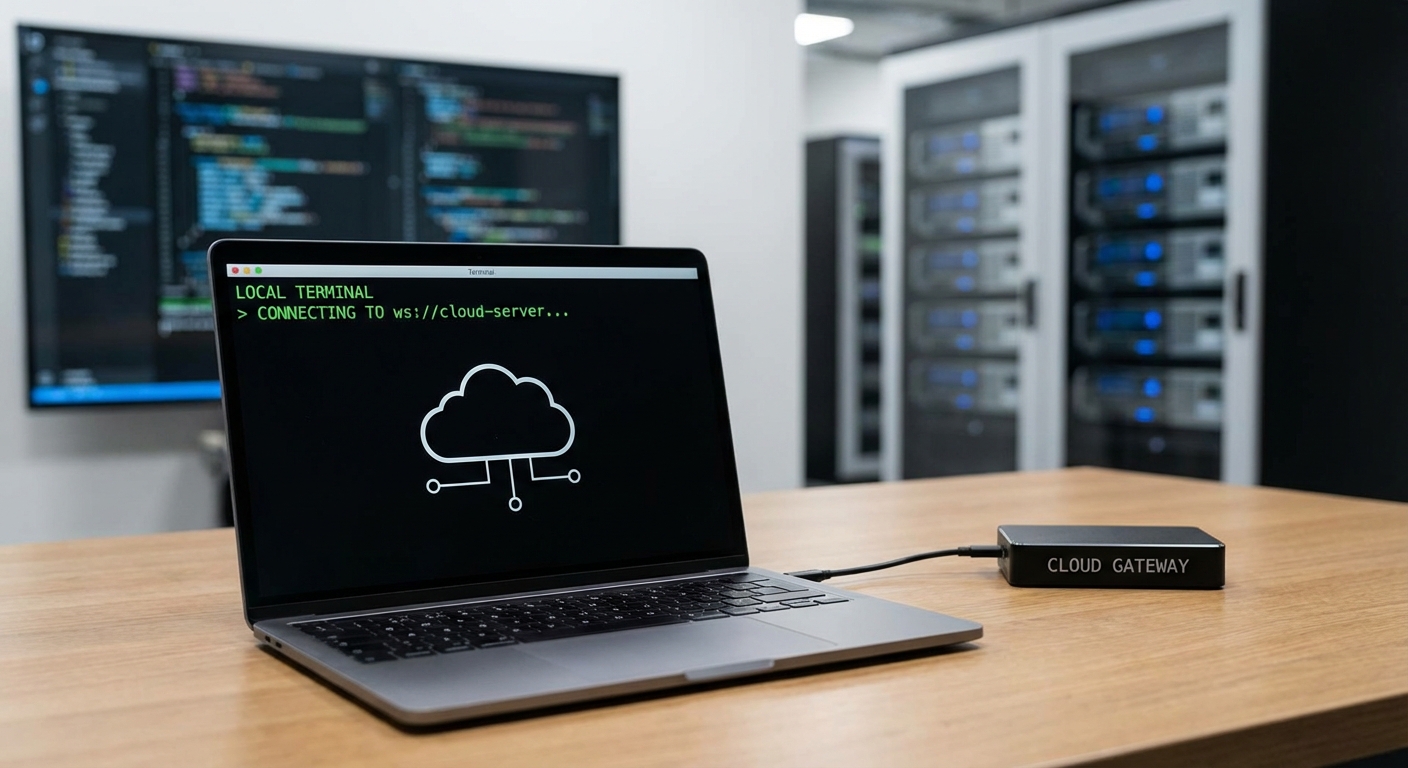
Remote Development with Codex CLI: App-Server WebSocket Transport, the –remote Flag, and Persistent Agent Sessions
The shift to remote-first development has been underway for years, but AI coding agents complicate matters. Codex CLI’s interactive TUI traditionally required a local terminal with direct filesystem access — fine for laptop-based workflows, less so when your code lives on a beefy cloud VM, a shared dev server, or inside a devcontainer. The app-server architecture, now default since v0.117.0 and substantially upgraded in v0.119.0–v0.120.0, solves this by decoupling the agent runtime from the user interface through a JSON-RPC 2.0 protocol over stdio or WebSocket transport [^1][^2].
This article covers the full remote development stack: running the app-server on remote infrastructure, connecting via the --remote flag, authenticating with capability or signed bearer tokens, integrating with SSH tunnels and devcontainers, and leveraging the experimental codex exec-server subcommand.
The Architecture: Decoupled Agent and TUI
Before v0.117.0, the Codex CLI was a monolithic process — the TUI, agent loop, tool execution, and sandbox all lived in one binary 1. The app-server refactoring split this into a client–server model:
graph LR
    subgraph Local Machine
        TUI[Codex TUI Client]
    end
    subgraph Remote Server
        AS[codex app-server]
        AL[Agent Loop]
        SB[Sandbox]
        FS[Filesystem]
        AS --> AL
        AL --> SB
        SB --> FS
    end
    TUI -->|JSON-RPC over WebSocket| AS
The app-server handles authentication, conversation history, approvals, streamed agent events, and sandbox-aware filesystem operations — all exposed through bidirectional JSON-RPC 2.0 messages [^1]. The TUI becomes a thin client that renders events and relays user input. This means the agent stays close to compute and storage, continuing work even if your laptop sleeps or disconnects [^2].
Transport Options
The app-server supports three transport modes 2:
| Transport | Flag | Format | Use Case |
|---|---|---|---|
| stdio | --listen stdio:// (default) |
Newline-delimited JSONL | Local integration, VS Code extension |
| WebSocket | --listen ws://IP:PORT |
One JSON-RPC message per text frame | Remote TUI, cross-machine sessions |
| off | --listen off |
None | Embedding scenarios where transport is handled externally |
⚠️ WebSocket transport remains experimental and unsupported for production workloads as of v0.120.0 2. Loopback listeners (ws://127.0.0.1:PORT) are explicitly endorsed for localhost and SSH port-forwarding workflows.
Setting Up Remote Sessions
Starting the App-Server
On the remote machine (cloud VM, dev server, or container), start the app-server with WebSocket transport:
# Bind to loopback only — access via SSH tunnel
codex app-server --listen ws://127.0.0.1:4500

# Or bind to all interfaces (requires authentication)
codex app-server --listen ws://0.0.0.0:4500 \
  --ws-auth capability-token \
  --ws-token-file /home/dev/.codex/ws-token
The WebSocket listener exposes two HTTP health endpoints 2:
GET /readyz— returns200 OKonce the server is accepting connectionsGET /healthz— returns200 OK(rejects requests with anOriginheader with403 Forbiddento prevent browser-based CSRF)
Connecting from the Local TUI
From your local machine, connect the TUI to the remote app-server:
# Via SSH tunnel (recommended)
ssh -L 4500:127.0.0.1:4500 dev@remote-host -N &
codex --remote ws://127.0.0.1:4500

# Direct connection with authentication
export CODEX_WS_TOKEN="$(cat ~/.codex/ws-token)"
codex --remote wss://remote-host:4500 \
  --remote-auth-token-env CODEX_WS_TOKEN
The --remote flag is supported for codex, codex resume, and codex fork; other subcommands reject remote mode [^5]. Remote --cd forwarding was added in v0.120.0, allowing the TUI to specify the working directory on the remote server [^6].
The Initialisation Handshake
Every connection begins with a JSON-RPC initialize request carrying client metadata [^1]:
{
  "method": "initialize",
  "id": 0,
  "params": {
    "clientInfo": {
      "name": "codex_remote_tui",
      "title": "Codex Remote TUI",
      "version": "0.120.0"
    },
    "capabilities": {
      "experimentalApi": true
    }
  }
}
The server responds with userAgent, codexHome, platformFamily, and platformOs. The client then emits an initialized notification, after which threads and turns can begin [^1].
Authentication: Three Modes
WebSocket authentication is enforced before the JSON-RPC initialize handshake 2. Three modes are available:
No Authentication (Loopback Only)
Suitable for SSH tunnel workflows where the tunnel itself provides authentication:
codex app-server --listen ws://127.0.0.1:4500
Capability Token
A shared secret stored in a file, verified on every connection:
# Generate token on the server
TOKEN_FILE="$HOME/.codex/codex-app-server-token"
install -d -m 700 "$(dirname "$TOKEN_FILE")"
openssl rand -base64 32 > "$TOKEN_FILE"
chmod 600 "$TOKEN_FILE"

# Start server with capability token auth
codex app-server --listen ws://0.0.0.0:4500 \
  --ws-auth capability-token \
  --ws-token-file "$TOKEN_FILE"
Clients present the token as Authorization: Bearer <token> during the WebSocket handshake 2.
Signed Bearer Token (JWT)
For enterprise deployments requiring identity verification and token expiry:
# Server-side
codex app-server --listen wss://0.0.0.0:4500 \
  --ws-auth signed-bearer-token \
  --ws-shared-secret-file /etc/codex/hmac-secret \
  --ws-issuer "corp-auth-service" \
  --ws-audience "codex-remote" \
  --ws-max-clock-skew-seconds 30
Tokens must be HS256-signed JWTs with a required exp claim; nbf, iss, and aud are validated when the corresponding server flags are set 2. This integrates cleanly with enterprise identity providers that can mint short-lived JWTs.
Security note: Authentication tokens are only transmitted over wss:// URLs or ws:// URLs targeting localhost/127.0.0.1/::1 [^5]. Non-local remote listeners must operate behind TLS.
Backpressure and Reliability
The app-server uses bounded queues between transport ingress, request processing, and outbound writes [^1]. When the request queue is saturated, new requests receive a JSON-RPC error:
{
  "error": {
    "code": -32001,
    "message": "Server overloaded; retry later."
  }
}
Clients should implement exponential backoff. The TUI handles this transparently, but custom integrations built against the app-server API must account for it [^1].
The exec-server Subcommand
v0.120.0 introduced an experimental codex exec-server subcommand [^6]. Where codex app-server runs the full agent runtime with thread management, codex exec-server provides a lighter-weight execution endpoint — designed for scenarios where you want non-interactive codex exec semantics but accessible over a persistent server connection rather than a one-shot process.
This is particularly useful for:
- CI/CD pipelines that need to submit multiple tasks to a single warm Codex instance
- IDE integrations that want to run non-interactive commands without the overhead of spawning a new process per request
- Orchestration layers (like Oh-My-Codex or custom harnesses) that delegate tasks to a persistent backend
The subcommand inherits global configuration overrides and exits when the downstream client closes the connection [^5].
Practical Deployment Patterns
Pattern 1: SSH Tunnel (Simplest)
The lowest-friction remote setup. No authentication configuration needed — SSH handles it.
graph LR
    subgraph Laptop
        TUI[codex --remote ws://localhost:4500]
    end
    subgraph SSH Tunnel
        T[Port 4500 forwarded]
    end
    subgraph Cloud VM
        AS[codex app-server<br/>ws://127.0.0.1:4500]
    end
    TUI --> T --> AS
# Terminal 1: SSH tunnel
ssh -L 4500:127.0.0.1:4500 dev@gpu-server.internal -N

# Terminal 2: Connect TUI
codex --remote ws://127.0.0.1:4500 --cd /home/dev/project
Pattern 2: Devcontainer Integration
For teams using VS Code devcontainers or GitHub Codespaces, the app-server runs inside the container with port forwarding:
{
  "name": "codex-dev",
  "image": "mcr.microsoft.com/devcontainers/base:ubuntu",
  "features": {
    "ghcr.io/devcontainers/features/node:1": {}
  },
  "postCreateCommand": "npm install -g @openai/codex",
  "forwardPorts": [4500],
  "portsAttributes": {
    "4500": { "label": "Codex App Server", "onAutoForward": "silent" }
  }
}
Start the app-server as a background process in the container, then connect from the host terminal or VS Code extension 3.
Pattern 3: Enterprise Central Server
For regulated environments, run a single app-server instance per developer on a shared server, with signed bearer tokens issued by the corporate identity provider:
graph TD
    subgraph IdP[Identity Provider]
        JWT[JWT Minter]
    end
    subgraph Central Server
        AS1[app-server :4501<br/>Developer A]
        AS2[app-server :4502<br/>Developer B]
        AS3[app-server :4503<br/>Developer C]
    end
    subgraph Developer Laptops
        D1[codex --remote wss://server:4501]
        D2[codex --remote wss://server:4502]
        D3[codex --remote wss://server:4503]
    end
    JWT -->|Sign tokens| D1
    JWT -->|Sign tokens| D2
    JWT -->|Sign tokens| D3
    D1 --> AS1
    D2 --> AS2
    D3 --> AS3
This pattern keeps source code on the central server (satisfying data residency requirements), uses signed JWTs for authentication, and benefits from the server’s compute for agent execution 2.
Filesystem Operations Over the Wire
The app-server exposes sandbox-respecting filesystem operations through the JSON-RPC API, meaning the TUI can browse, read, and write files on the remote machine without separate SFTP or SCP [^1]:
fs/readFile,fs/writeFile— base64-encoded content transferfs/createDirectory,fs/readDirectory,fs/getMetadatafs/watch,fs/unwatch— subscribe to filesystem change notifications viafs/changedfs/remove,fs/copy
All operations respect the sandbox policy configured on the server. A workspaceWrite policy limits writes to specified roots; readOnly prevents any modifications [^1].
Sandbox Policies for Remote Sessions
Remote sessions should use explicit sandbox policies rather than relying on defaults:
# On the remote server: config.toml
[sandbox]
mode = "workspace-write"

[permissions.network]
allow_domains = ["api.openai.com", "registry.npmjs.org"]
The app-server supports four sandbox policy types [^1]:
| Policy | Behaviour |
|---|---|
dangerFullAccess |
No restrictions — use only for trusted environments |
readOnly |
Read-only with optional access constraints |
workspaceWrite |
Write access to specified roots; optional networkAccess |
externalSandbox |
Skip app-server enforcement (for container-level isolation) |
For devcontainer deployments, externalSandbox makes sense — the container itself provides isolation, and doubling up with Landlock/seatbelt adds complexity without benefit.
Community Tools for Remote Codex
Several community projects extend the remote development story:
- Remodex (github.com/Emanuele-web04/remodex) — a remote control wrapper that provides a web dashboard for managing Codex sessions on remote machines 4
- CliGate (codeking-ai/cligate) — a local gateway proxy that can route Codex CLI traffic through a unified endpoint, useful for multi-account failover in remote setups 5
- Configurable Dev Container issue #13410 — an open feature request for configurable app-server WebSocket port/endpoint for VS Code connecting to Codex inside devcontainers (one container per worktree) 6
Logging and Debugging Remote Sessions
When troubleshooting remote connections, enable structured JSON logging on the server:
RUST_LOG=debug LOG_FORMAT=json \
  codex app-server --listen ws://127.0.0.1:4500 2>>/var/log/codex-app-server.json
This emits one JSON event per line to stderr, suitable for ingestion by centralised logging systems 2. Key events to watch for:
- Authentication failures (token mismatch or expired JWT)
- Backpressure rejections (
-32001errors) - WebSocket connection drops and reconnections
- Sandbox policy violations
What’s Still Missing
Despite the substantial progress in v0.119.0–v0.120.0, several gaps remain:
- No automatic reconnection — if the WebSocket connection drops, the TUI exits rather than attempting to reconnect. Session state is preserved server-side, so
codex resume --remoteworks, but the user experience is jarring [^2] exec-serveris experimental — limited documentation and the subcommand’s behaviour may change between releases [^6]- No multiplexing — each TUI connection maps to one app-server instance. There’s no built-in way to share a single server across multiple simultaneous users [^1]
- Realtime voice over remote — v0.120.0 defaults to WebRTC for realtime voice, but WebRTC peer connections through SSH tunnels require additional STUN/TURN configuration not yet documented [^6]
- No worktree path environment variable — issue #13576 tracks the request for exposing the worktree path as an env var, which would simplify remote container workflows 6
Summary
The Codex CLI app-server transforms remote development from a workaround into a first-class workflow. The JSON-RPC 2.0 protocol over WebSocket provides a clean, authenticated channel between a thin TUI client and a remote agent runtime. SSH tunnel setups work today with zero configuration; enterprise deployments can layer signed JWT authentication and centralised logging. The experimental exec-server points toward a future where persistent Codex backends serve multiple clients — CI pipelines, IDE extensions, and orchestration layers — from a single warm instance.
For most developers, the SSH tunnel pattern (ssh -L + codex --remote) is the pragmatic starting point. Get it running, verify the agent has access to your remote filesystem, and iterate from there.
Citations
| [^1]: [App Server – Codex | OpenAI Developers](https://developers.openai.com/codex/app-server) — Official app-server API documentation covering JSON-RPC protocol, transport options, authentication, filesystem operations, and sandbox policies. |
| [^2]: [Unlocking the Codex harness: how we built the App Server | OpenAI](https://openai.com/index/unlocking-the-codex-harness/) — OpenAI blog post on app-server architecture and design motivations. |
| [^5]: [Command line options – Codex CLI | OpenAI Developers](https://developers.openai.com/codex/cli/reference) — Official CLI reference documenting --remote, --remote-auth-token-env, exec-server, and all global flags. |
| [^6]: [Codex CLI 0.120.0 Changelog – Codex | OpenAI Developers](https://developers.openai.com/codex/changelog) — v0.120.0 release notes covering exec-server, remote --cd forwarding, and realtime voice v2 WebRTC default. |
-
App-Server TUI: The Architecture Shift That Enables Remote Sessions — Prior article covering the v0.117.0 architecture shift. ↩
-
codex-rs/app-server/README.md – openai/codex — Source-level documentation for transport options, WebSocket health probes, authentication modes, and logging. ↩ ↩2 ↩3 ↩4 ↩5 ↩6 ↩7 ↩8
-
Cloud-Based Agentic Dev Container: Claude Code, Codex, and OpenCode in One — Practical guide to running AI coding agents in cloud devcontainers with persistent volumes. ↩
-
Remodex: Remote Control for Codex – GitHub — Community tool for remote Codex session management. ↩
-
CliGate – GitHub — Local gateway proxy for multi-CLI routing, useful in remote setups. ↩
-
Configurable App Server WebSocket port/endpoint for VS Code devcontainers – Issue #13410 — Open feature request for better devcontainer integration. ↩ ↩2