WORKFLOW.md: Version-Controlling Your Agent’s Behaviour
Published 2026-03-27. Sources: openai/symphony SPEC.md, Harness Engineering (OpenAI Blog), Ry Walker Research on Symphony
What Problem Does WORKFLOW.md Solve?
When you adopt Symphony (or any harness-based orchestration), you face a configuration challenge: how do you define how your agents should behave, and keep that definition in sync with your codebase?
The naive answer is environment variables or a config file buried in a deployment pipeline. But that breaks the principle that “agent policy is code” — it can’t be reviewed in PRs, rolled back with git revert, or tested in branches.
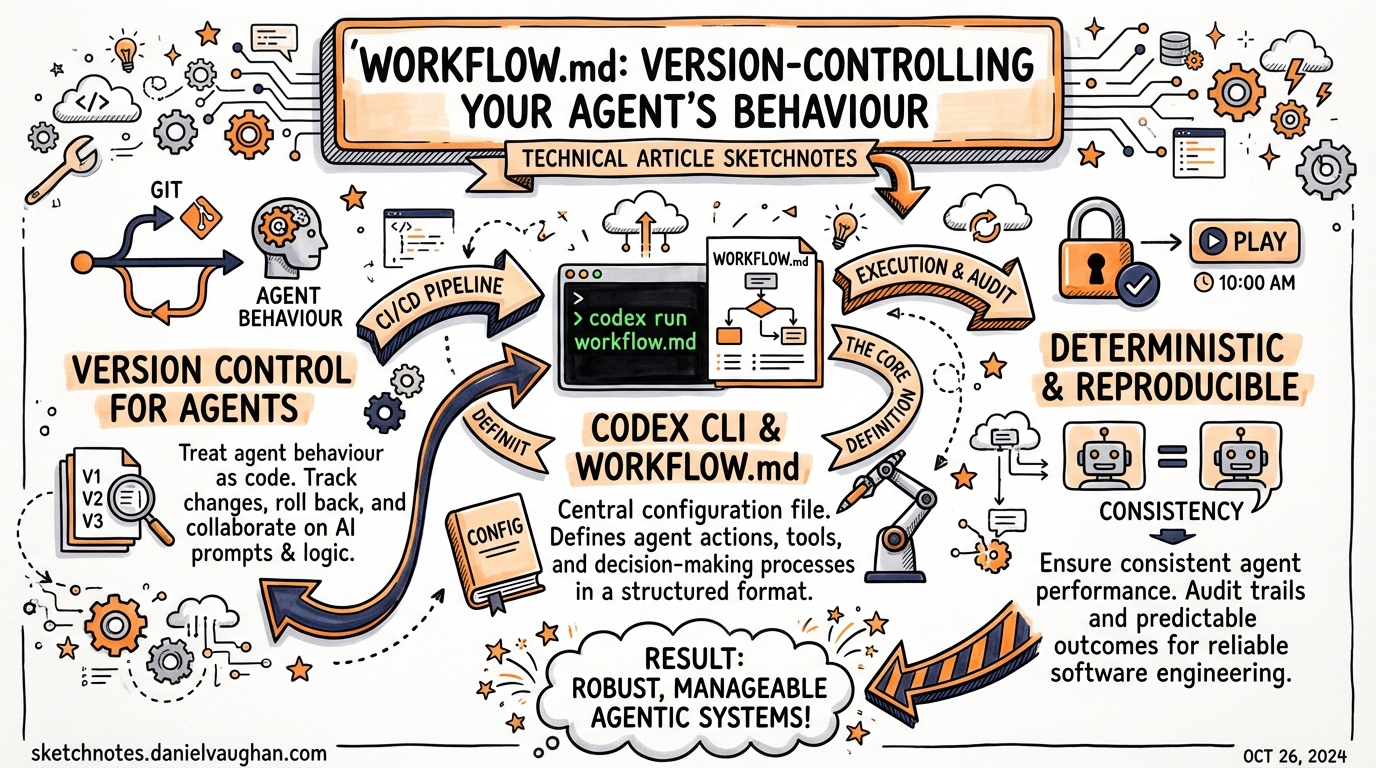
WORKFLOW.md is Symphony’s answer. It’s a single Markdown file, committed to your repository root, that contains:
- YAML front matter — runtime orchestration settings (polling, concurrency, hooks, agent config)
- Markdown body — the Jinja2 prompt template passed to Codex for each task
One file. Version-controlled. Reviewable. The complete definition of how your agents operate on this project.
File Format
---
tracker:
  kind: linear
  api_key: "$LINEAR_API_KEY"
  project_slug: my-project
  active_states: ["Triage", "In Progress"]
  terminal_states: ["Done", "Cancelled"]

polling:
  interval_ms: 30000

workspace:
  root: /tmp/symphony-workspaces

hooks:
  after_create: "./scripts/setup-workspace.sh"
  before_run: "./scripts/pre-agent.sh"
  after_run: "./scripts/post-agent.sh"
  timeout_ms: 60000

agent:
  max_concurrent_agents: 5
  max_retry_backoff_ms: 300000

codex:
  command: "codex app-server"
  approval_policy: "auto-edit"
  turn_timeout_ms: 3600000
---

## Your task

You are working on .

**Issue description:**


**Repository context:**


## Definition of done

- All tests pass (`npm test`)
- TypeScript compiles cleanly (`npm run build`)
- A PR is opened with a clear description
- No new linting errors

## Constraints

- Do not modify files in `src/legacy/` without explicit instruction
- Do not add new dependencies without creating a note in the PR description
- Prefer editing existing tests over adding new test files

## Handoff

When complete, transition the issue to "Human Review".
YAML Front Matter: Field Reference
tracker — Issue Source
tracker:
  kind: linear                        # Only "linear" supported currently
  api_key: "$LINEAR_API_KEY"          # Env var reference or literal token
  project_slug: my-project            # Linear project identifier
  active_states: ["Triage", "In Progress"]  # Issues in these states are eligible
  terminal_states: ["Done", "Cancelled"]    # Dispatch loop stops when issue reaches these
Symphony polls Linear on the configured interval, fetching eligible issues. Any issue in an active_state that isn’t already being worked on gets dispatched.
polling — Cadence
polling:
  interval_ms: 30000    # Check for new work every 30 seconds
Tuning tip: For overnight batch work, 60–120 seconds is fine and reduces Linear API calls. For interactive team use, 15–30 seconds gives faster pickup.
workspace — Isolation
workspace:
  root: /tmp/symphony-workspaces    # Each issue gets its own subdirectory here
Symphony creates a fresh git worktree per issue at {root}/{issue_id}. This is the isolation mechanism — agents can’t accidentally contaminate each other’s work.
hooks — Lifecycle Scripts
hooks:
  after_create: "./scripts/setup-workspace.sh"   # Runs when workspace is first created
  before_run: "./scripts/pre-agent.sh"            # Runs before each Codex attempt
  after_run: "./scripts/post-agent.sh"            # Runs after completion (success or fail)
  before_remove: "./scripts/cleanup.sh"           # Cleanup before workspace deletion
  timeout_ms: 60000                               # Max hook execution time
These scripts run inside the workspace directory, so ./scripts/ is relative to the repo root.
Common hook patterns:
# after_create: install dependencies fresh in the worktree
#!/bin/bash
npm ci
cp .env.example .env.local

# before_run: reset any state from previous attempt
#!/bin/bash
git checkout -- .

# after_run: capture metrics or send Slack notification
#!/bin/bash
echo "Task completed: $ISSUE_ID" | slack-notify
⚠️ Hooks are fully trusted — they run arbitrary shell commands inside the workspace. Don’t put externally-controlled content into hook scripts.
agent — Concurrency Controls
agent:
  max_concurrent_agents: 10          # Global cap on simultaneous Codex sessions
  max_retry_backoff_ms: 300000       # Max delay between retries (5 min default)
  max_concurrent_agents_by_state:    # Per-state limits (optional)
    "In Progress": 3
    "Triage": 7
Concurrency tuning matters for cost control. Running 20 parallel gpt-5.4 sessions will burn tokens fast. A reasonable starting point for a small team is 3–5.
codex — Agent Configuration
codex:
  command: "codex app-server"          # How to launch Codex (default: app-server protocol)
  approval_policy: "auto-edit"         # Codex approval mode
  thread_sandbox: true                 # Sandbox between turns
  turn_sandbox_policy: "reset"         # Reset or preserve sandbox state between turns
  turn_timeout_ms: 3600000             # Max time for a single agent turn (1 hour)
For fully autonomous overnight runs, auto-edit or full-auto is typical. For interactive review, suggest will have Codex ask before making changes.
The Prompt Body: Jinja2 Templating
Everything after the closing --- of the front matter is the prompt body, rendered as Jinja2 with issue context:
## Your task

You are working on .

**Description:**
**Reporter:**
**Labels:**
Available template variables include issue metadata from Linear (title, description, labels, creator, comments, due date). The exact schema depends on the Linear GraphQL response.
Design principle: Keep the prompt body focused on constraints and handoff criteria, not on explaining how to code. Codex already knows how to code — WORKFLOW.md tells it the project-specific rules and what “done” means.
Updating WORKFLOW.md at Runtime
Some fields support hot-reload (no service restart needed):
polling.interval_msagent.max_concurrent_agentshooks.timeout_ms
Structural changes to tracker config or agent command require a restart.
Implication for teams: You can tune concurrency and polling cadence via a normal git commit + merge, without touching any deployment pipeline. “We’re running a sprint, bump agents to 8” becomes a one-line WORKFLOW.md edit.
WORKFLOW.md vs AGENTS.md
These two files are complementary, not competing:
| File | Lives in | Controls | Written by |
|---|---|---|---|
| AGENTS.md | Repo root | Per-request agent context: what the agent knows, what it should do | Developers |
| WORKFLOW.md | Repo root | Orchestration runtime: how tasks are sourced, isolated, and delivered | DevOps / team lead |
Symphony reads both. AGENTS.md provides coding context; WORKFLOW.md drives the orchestration loop.
Real-World Results: OpenAI’s Own Deployment
From the OpenAI harness engineering post:
“Five months later, the repository contains on the order of a million lines of code across application logic, infrastructure, tooling, documentation, and internal developer utilities. Over that period, roughly 1,500 pull requests have been opened and merged with a small team of just three engineers driving Codex.”
The initial AGENTS.md and WORKFLOW.md were themselves written by Codex — the bootstrap moment of an agentic codebase.
When to Use WORKFLOW.md
WORKFLOW.md + Symphony makes sense when:
- You have a continuous backlog of well-defined tasks (bugs, small features, chores)
- Tasks are independently workable (no strong ordering dependencies)
- Your CI is reliable and tests are green (agents need a trustworthy signal)
- Your team wants overnight throughput — work gets done while humans sleep
It’s overkill for exploratory work, greenfield design, or anything requiring significant human judgment mid-task. Those are better served by interactive Codex sessions.