Codex CLI Named Profiles: A Cookbook of Ready-to-Use Configuration Templates
Codex CLI Named Profiles: A Cookbook of Ready-to-Use Configuration Templates
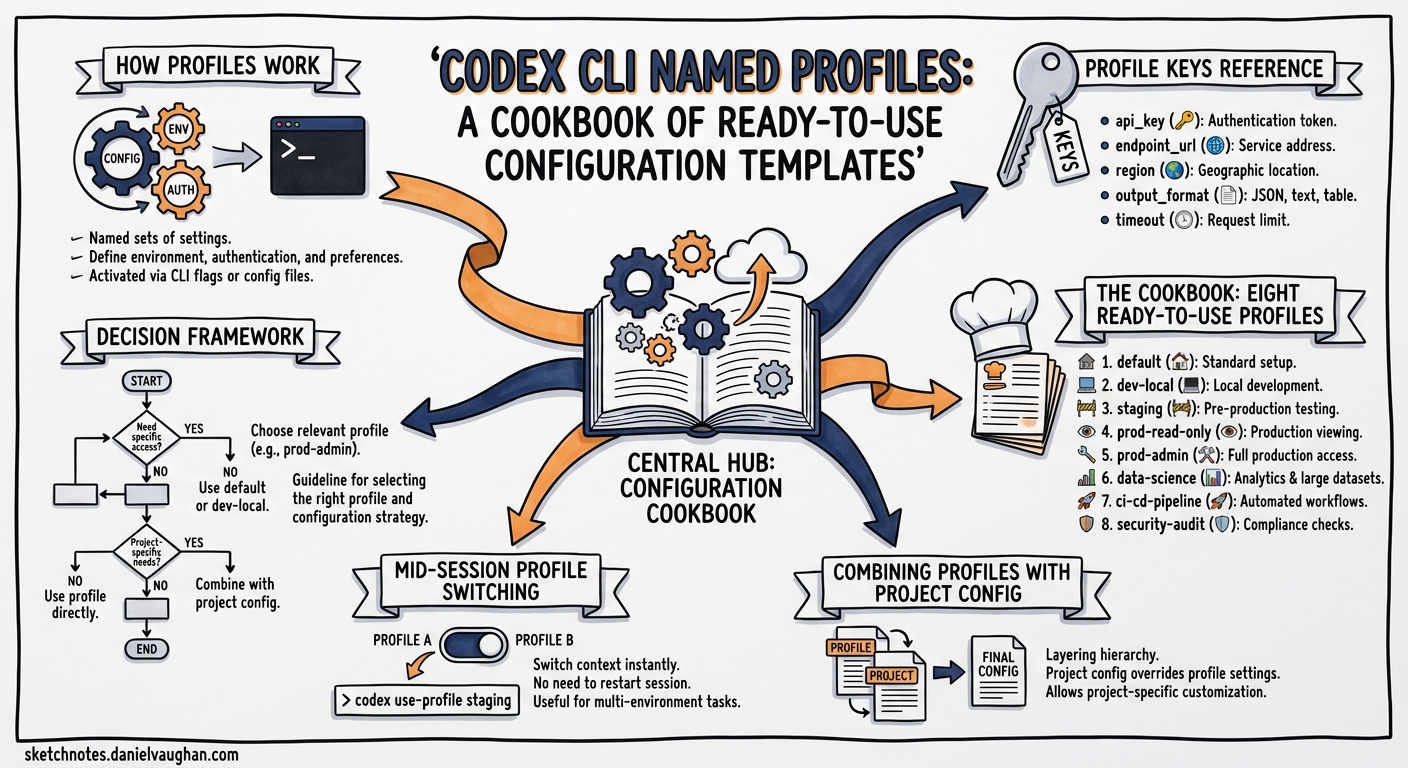
Named profiles are one of the most underused features in Codex CLI. Instead of juggling CLI flags or maintaining separate config files, a single codex -p deep switches your entire configuration — model, reasoning effort, sandbox policy, service tier — in one argument. This article provides eight battle-tested profiles you can drop into your ~/.codex/config.toml and start using immediately.
How Profiles Work
A profile is a [profiles.<name>] section in your config.toml that overrides top-level defaults when activated1. The precedence chain runs: CLI flags → profile values → project config → user config → system config → defaults2.
# ~/.codex/config.toml — top-level defaults
model = "gpt-5.4"
approval_policy = "on-request"
sandbox_mode = "workspace-write"

# Activate with: codex -p fast
[profiles.fast]
model = "gpt-5.4-mini"
model_reasoning_effort = "low"
service_tier = "fast"
Invoke any profile with codex --profile <name> or the shorthand codex -p <name>1. You can also set a default profile at the top level with profile = "daily" — the --profile flag overrides it per invocation1.
flowchart LR
    A["codex -p fast"] --> B{Profile Lookup}
    B --> C["profiles.fast in config.toml"]
    C --> D["Merge: profile ← project ← user ← system"]
    D --> E["CLI flags override everything"]
    E --> F["Session starts"]
Profile Keys Reference
Not every config.toml key works inside a profile. The profile-compatible keys are3:
| Key | Example | Purpose |
|---|---|---|
model |
"gpt-5.5" |
Model selection |
model_reasoning_effort |
"high" |
Reasoning depth (minimal → xhigh) |
model_verbosity |
"low" |
Response verbosity |
service_tier |
"flex" |
Speed/cost tier |
web_search |
"disabled" |
Web search behaviour |
personality |
"pragmatic" |
Communication style |
plan_mode_reasoning_effort |
"high" |
Plan mode override |
model_instructions_file |
"./review.md" |
Custom system instructions |
model_catalog_json |
"./catalog.json" |
Model catalogue override |
Sandbox, approval, and agent keys remain top-level or project-scoped — profiles focus on the model and interaction layer3.
The Cookbook: Eight Ready-to-Use Profiles
1. fast — Flow State
For quick questions, small fixes, and codebase exploration where latency matters more than depth.
[profiles.fast]
model = "gpt-5.4-mini"
model_reasoning_effort = "low"
service_tier = "fast"
personality = "pragmatic"
web_search = "disabled"
When to use: Renaming variables, explaining a function, generating a quick test stub. GPT-5.4-mini uses roughly 30% of the credits that GPT-5.4 consumes for comparable tasks4, and Fast tier delivers tokens 1.5× faster at 2.5× the cost5. At low reasoning effort, responses arrive in seconds.
Cost profile: ~19 credits per 1M input tokens6.
2. deep — Complex Reasoning
For multi-file refactors, architectural decisions, and tasks requiring sustained logical chains.
[profiles.deep]
model = "gpt-5.5"
model_reasoning_effort = "xhigh"
model_verbosity = "high"
personality = "pragmatic"
When to use: Debugging a race condition across three services, planning a database migration, reasoning about security implications. GPT-5.5 at xhigh reasoning effort produces the most thorough analysis available7.
Cost profile: ~125 credits per 1M input tokens6. Reserve for tasks where correctness justifies the spend.
3. review — Code Review
For reviewing diffs, auditing PRs, and running /review on your own changes before committing.
[profiles.review]
model = "gpt-5.4"
model_reasoning_effort = "high"
model_verbosity = "medium"
personality = "pragmatic"
model_instructions_file = "~/.codex/review-instructions.md"
web_search = "disabled"
When to use: Running codex -p review then /review before every commit. The custom instructions file can enforce your team’s review checklist — security, performance, naming conventions, test coverage8.
4. ci — Headless CI/CD
For codex exec in pipelines where determinism and cost control matter.
[profiles.ci]
model = "gpt-5.4-mini"
model_reasoning_effort = "medium"
service_tier = "flex"
web_search = "disabled"
personality = "pragmatic"
When to use: codex exec -p ci --output-schema report.json "Review this PR for security issues". Flex tier provides a 50% cost discount for tasks that tolerate slightly higher latency5. Pair with --ignore-user-config and --ignore-rules for fully hermetic runs9.
Cost profile: With Flex tier’s 50% discount and GPT-5.4-mini’s low token cost, this is the cheapest profile in the cookbook — roughly 9.4 credits per 1M input tokens.
5. security — Security Audit
For vulnerability scanning, dependency auditing, and security-focused code review.
[profiles.security]
model = "gpt-5.2-codex"
model_reasoning_effort = "high"
model_verbosity = "high"
web_search = "cached"
model_instructions_file = "~/.codex/security-instructions.md"
When to use: GPT-5.2-Codex was specifically optimised for cybersecurity workflows, achieving 56.4% on SWE-Bench Pro and 64.0% on Terminal-Bench 2.0 for security-related tasks10. Enable cached web search so the agent can verify CVE details against public databases.
6. explore — Codebase Onboarding
For understanding unfamiliar codebases, reading documentation, and architecture discovery.
[profiles.explore]
model = "gpt-5.5"
model_reasoning_effort = "medium"
model_verbosity = "high"
personality = "friendly"
web_search = "cached"
When to use: First day on a new codebase. GPT-5.5’s 400K context window in Codex7 handles large file reads without premature compaction. The friendly personality produces more explanatory responses suited to learning.
7. spark — Ultra-Fast Iteration
For rapid prototyping, REPL-style interactions, and tasks where response time is everything.
[profiles.spark]
model = "gpt-5.3-codex-spark"
model_reasoning_effort = "low"
service_tier = "fast"
personality = "pragmatic"
web_search = "disabled"
When to use: Spike prototypes, quick format conversions, generating boilerplate. Spark is optimised for near-instant coding iteration4. Note: currently available to ChatGPT Pro users only.
8. migrate — Code Modernisation
For legacy migration, framework upgrades, and large-scale codebase transformations.
[profiles.migrate]
model = "gpt-5.5"
model_reasoning_effort = "high"
model_verbosity = "medium"
personality = "pragmatic"
plan_mode_reasoning_effort = "xhigh"
When to use: TypeScript migration, framework upgrades, API version bumps. The split reasoning effort — high for execution, xhigh for planning — ensures thorough analysis during the planning phase without burning credits on routine file transformations11.
Combining Profiles with Project Config
Profiles define how the agent thinks. Project config defines what it can do. Use both:
# .codex/config.toml — project-level
sandbox_mode = "workspace-write"
approval_policy = "on-request"

[sandbox_workspace_write]
writable_roots = ["src/", "tests/"]

[deny_read_paths]
patterns = [".env*", "credentials/**"]
Then invoke with codex -p deep — the profile’s model and reasoning settings merge with the project’s sandbox and security policies2.
flowchart TD
    A["Profile: model + reasoning + tier"] --> C["Merged Config"]
    B["Project: sandbox + approval + deny-read"] --> C
    C --> D["Active Session"]
Mid-Session Profile Switching
You cannot switch profiles mid-session, but you can adjust reasoning effort on the fly with Alt+, (lower) and Alt+. (raise) keyboard shortcuts12. For a full profile switch, start a new session:
# Start a review, then switch to deep analysis
codex -p review
# ... review work ...
# New session with different profile
codex -p deep
Decision Framework
flowchart TD
    A{What's the task?} -->|Quick fix / explore| B["fast or spark"]
    A -->|Complex reasoning| C["deep"]
    A -->|Code review| D["review"]
    A -->|CI pipeline| E["ci"]
    A -->|Security audit| F["security"]
    A -->|New codebase| G["explore"]
    A -->|Migration / upgrade| H["migrate"]
    B --> I{Budget constrained?}
    I -->|Yes| J["fast with flex tier"]
    I -->|No| K["spark for speed"]
Practical Recommendations
-
Start with three profiles.
fast,deep, andcicover 80% of workflows. Add others as your usage patterns emerge. -
Set a default profile. Add
profile = "fast"at the top level socodexwithout flags uses your most common configuration1. -
Use shell aliases for ergonomics.
alias cx='codex -p fast'andalias cxd='codex -p deep'reduce friction. -
Version project profiles. Commit
.codex/config.tomlwith project-scoped profiles so every team member uses the same settings8. -
Monitor cost per profile. Use
codex exec --jsonto capture reasoning token usage13 and track which profiles consume the most credits.
Citations
-
OpenAI, “Advanced Configuration — Codex,” https://developers.openai.com/codex/config-advanced, accessed April 2026. ↩ ↩2 ↩3 ↩4
-
OpenAI, “Config basics — Codex,” https://developers.openai.com/codex/config-basic, accessed April 2026. ↩ ↩2
-
OpenAI, “Configuration Reference — Codex,” https://developers.openai.com/codex/config-reference, accessed April 2026. ↩ ↩2
-
OpenAI, “Models — Codex,” https://developers.openai.com/codex/models, accessed April 2026. ↩ ↩2
-
OpenAI, “Speed — Codex,” https://developers.openai.com/codex/speed, accessed April 2026. ↩ ↩2
-
OpenAI, “Pricing — Codex,” https://developers.openai.com/codex/pricing, accessed April 2026. ↩ ↩2
-
OpenAI, “Introducing GPT-5.5,” https://openai.com/index/introducing-gpt-5-5/, April 2026. ↩ ↩2
-
OpenAI, “Best practices — Codex,” https://developers.openai.com/codex/learn/best-practices, accessed April 2026. ↩ ↩2
-
OpenAI, “Command line options — Codex CLI,” https://developers.openai.com/codex/cli/reference, accessed April 2026. ↩
-
OpenAI, “Introducing GPT-5.2-Codex,” referenced in Cybersecurity News coverage, April 2026. ↩
-
OpenAI, “Codex Prompting Guide,” https://developers.openai.com/cookbook/examples/gpt-5/codex_prompting_guide, accessed April 2026. ↩
-
OpenAI/Codex, “feat(tui): shortcuts to change reasoning level temporarily,” PR #18866, https://github.com/openai/codex/pull/18866, April 2026. ↩
-
OpenAI, “Codex CLI v0.125.0 Release Notes,” https://github.com/openai/codex/releases, April 2026. ↩