Hermetic codex exec Runs: Isolation Flags, Deterministic Configuration, and Reproducible CI Pipelines
Hermetic codex exec Runs: Isolation Flags, Deterministic Configuration, and Reproducible CI Pipelines
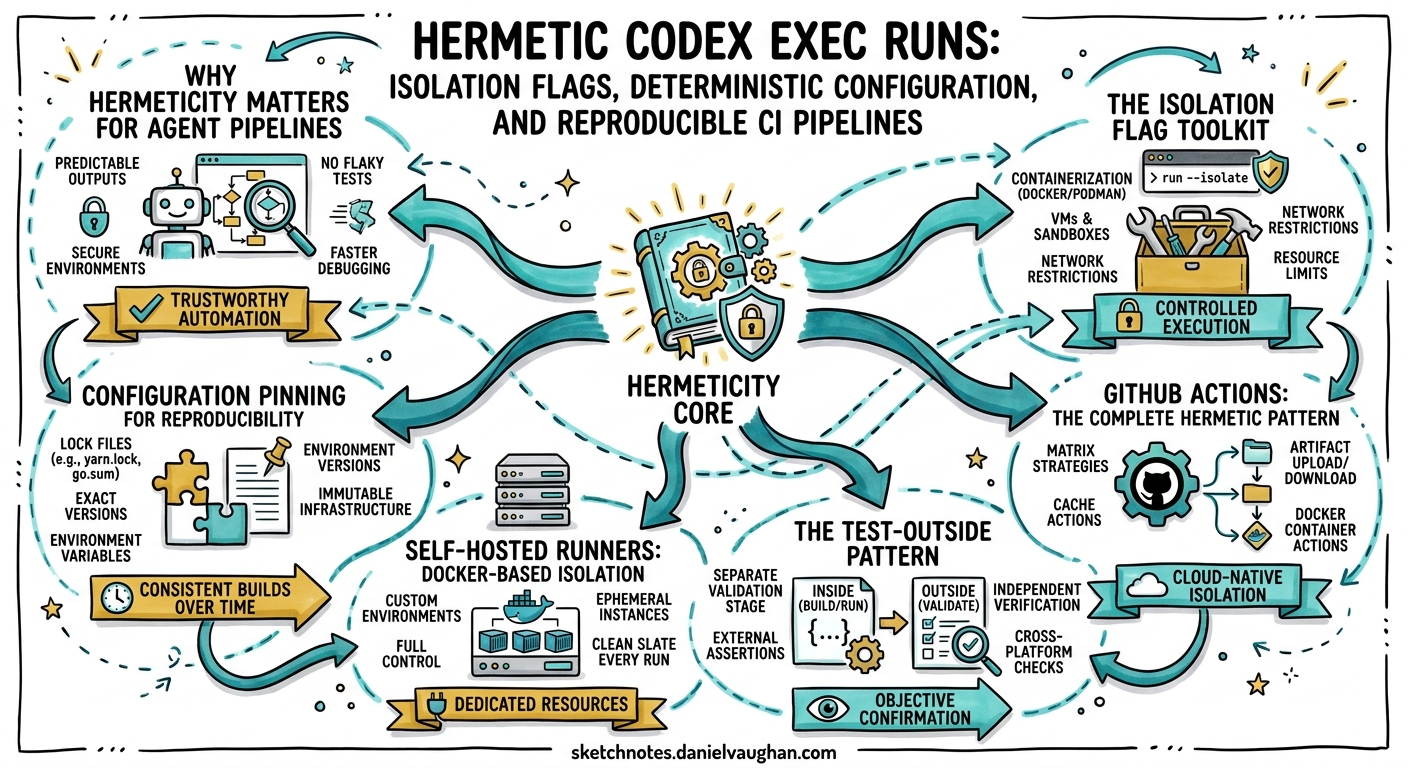
Every developer who has debugged a “works on my machine” CI failure knows the pain of non-deterministic builds. When you add an AI coding agent to your pipeline, the surface area for environment-dependent behaviour explodes: user-level config files, project rules, cached sessions, model defaults, and permission profiles can all silently alter agent output. Codex CLI v0.122.0 introduced two flags — --ignore-user-config and --ignore-rules — specifically designed to eliminate this class of problem 1. Combined with existing isolation primitives, they make truly hermetic codex exec runs achievable for the first time.
This article covers the complete isolation toolkit, configuration layering, and practical CI patterns for building reproducible agent pipelines.
Why Hermeticity Matters for Agent Pipelines
A standard codex exec invocation resolves configuration from up to four layers 2:
- User config —
$CODEX_HOME/config.toml(typically~/.codex/config.toml) - Project config —
.codex/config.tomlin the repository - CLI overrides —
-c key=valueflags - Managed config — enterprise
managed_config.tomlandrequirements.toml
On a developer’s workstation, layers 1 and 2 accumulate preferences: a favourite model, custom reasoning effort, filesystem permission profiles, hooks, and MCP server definitions. When the same codex exec command runs in CI, none of those layers exist — unless the runner inherits a stale $CODEX_HOME from a previous job. Either way, the agent behaves differently from local runs, and failures become difficult to reproduce.
flowchart LR
    subgraph Local["Developer Workstation"]
        UC[User Config] --> CL[Config Loader]
        PC[Project Config] --> CL
        CLI[CLI Overrides] --> CL
    end
    subgraph CI["CI Runner"]
        NUC["No User Config ⚠️"] --> CL2[Config Loader]
        PC2[Project Config] --> CL2
        CLI2[CLI Overrides] --> CL2
    end
    CL --> Agent1[Agent Behaviour A]
    CL2 --> Agent2[Agent Behaviour B]
    style NUC fill:#ff6b6b,color:#fff
The goal of hermetic execution is to make Agent Behaviour A and Agent Behaviour B identical, regardless of the host environment.
The Isolation Flag Toolkit
Codex CLI provides five flags that, used together, create a fully isolated execution environment 13:
| Flag | Effect |
|---|---|
--ignore-user-config |
Skips $CODEX_HOME/config.toml; preserves authentication via CODEX_API_KEY |
--ignore-rules |
Ignores user and project .rules exec-policy files |
--ephemeral |
Prevents session rollout files from persisting to disk |
--skip-git-repo-check |
Allows execution outside a Git repository |
-c key=value |
Inline overrides that become the sole configuration source |
Minimal Hermetic Invocation
codex exec \
  --ignore-user-config \
  --ignore-rules \
  --ephemeral \
  --full-auto \
  -c model=gpt-5.5 \
  -c model_reasoning_effort=medium \
  -c sandbox_mode=workspace-write \
  "Summarise the top 5 code quality issues in this repository"
This command:
- Ignores any
~/.codex/config.tomlon the runner 1 - Ignores
.rulesfiles that might vary across branches 1 - Leaves no session artifacts on disk 3
- Pins the model and reasoning effort explicitly
- Grants workspace-write sandbox access required for
--full-auto3
Configuration Pinning for Reproducibility
Even with --ignore-user-config, the project-level .codex/config.toml still loads (it travels with the repository). This is typically desirable — it carries AGENTS.md paths, MCP server definitions, and team-agreed defaults. However, for maximum reproducibility, pin every variable that affects output:
codex exec \
  --ignore-user-config \
  --ignore-rules \
  --ephemeral \
  --full-auto \
  -c model=gpt-5.5 \
  -c model_reasoning_effort=medium \
  -c model_reasoning_summary=concise \
  -c sandbox_mode=workspace-write \
  -c "sandbox_workspace_write.network_access=false" \
  --output-schema ./ci/review-schema.json \
  -o ./ci/review-output.json \
  "Review the changes in this PR for security issues"
The --output-schema flag 3 enforces a JSON Schema contract on the agent’s final response, which is critical for downstream pipeline steps that parse the output programmatically. Without it, the agent’s natural-language response format can vary between runs, breaking jq or script-based extraction.
Example Output Schema
{
  "type": "object",
  "properties": {
    "risk_level": {
      "type": "string",
      "enum": ["low", "medium", "high", "critical"]
    },
    "issues": {
      "type": "array",
      "items": {
        "type": "object",
        "properties": {
          "file": { "type": "string" },
          "line": { "type": "integer" },
          "severity": { "type": "string" },
          "description": { "type": "string" }
        },
        "required": ["file", "severity", "description"]
      }
    },
    "summary": { "type": "string" }
  },
  "required": ["risk_level", "issues", "summary"],
  "additionalProperties": false
}
GitHub Actions: The Complete Hermetic Pattern
The openai/codex-action@v1 action wraps codex exec with runner-level security controls 4. Here is a production-grade workflow combining the action with isolation flags:
name: Codex Hermetic Review
on:
  pull_request:
    types: [opened, synchronize]

permissions:
  contents: read
  pull-requests: write

jobs:
  review:
    runs-on: ubuntu-latest
    steps:
      - uses: actions/checkout@v4
        with:
          fetch-depth: 0

      - uses: openai/codex-action@v1
        id: codex-review
        with:
          prompt: |
            Review the diff for security vulnerabilities, performance
            regressions, and correctness issues. Output structured JSON.
          model: gpt-5.5
          effort: medium
          sandbox: read-only
          safety-strategy: unprivileged-user
          output-file: review.json
          codex-args: >-
            --ignore-user-config
            --ignore-rules
            --ephemeral
            --output-schema .codex/ci/review-schema.json
        env:
          OPENAI_API_KEY: ${{ secrets.OPENAI_API_KEY }}

      - name: Parse and gate
        run: |
          RISK=$(jq -r '.risk_level' review.json)
          if [ "$RISK" = "critical" ]; then
            echo "::error::Critical security risk detected"
            exit 1
          fi
Key Design Choices
safety-strategy: unprivileged-userruns the agent as a non-root user inside the runner, adding OS-level isolation on top of Codex’s sandbox 4.sandbox: read-onlyprevents the agent from modifying any files during review — appropriate for analysis-only tasks 3.--output-schemaensures the JSON output is parseable by thejqgate step, regardless of model version or prompt variation 3.
Self-Hosted Runners: Docker-Based Isolation
For teams using self-hosted runners where $CODEX_HOME might persist between jobs, wrap execution in a fresh container:
docker run --rm \
  -v "$(pwd):/workspace" \
  -w /workspace \
  -e CODEX_API_KEY="$CODEX_API_KEY" \
  -e CODEX_HOME=/tmp/codex-ephemeral \
  ghcr.io/openai/codex:0.125.0 \
  exec \
    --ignore-user-config \
    --ignore-rules \
    --ephemeral \
    --full-auto \
    -c model=gpt-5.5 \
    "Run the test suite and fix any failures"
Setting CODEX_HOME to a temporary path inside the container guarantees no configuration leaks between runs, even if --ignore-user-config is accidentally omitted 2.
The Test-Outside Pattern
A subtlety of hermetic agent runs: the agent should generate fixes, but validation should happen outside the agent’s sandbox 5. This prevents the agent from silently adjusting tests to match its own buggy output.
sequenceDiagram
    participant CI as CI Pipeline
    participant Agent as codex exec
    participant Tests as Test Runner

    CI->>Agent: "Fix the failing tests in src/auth/"
    Agent->>Agent: Analyse, patch, verify internally
    Agent-->>CI: Exit with patches applied
    CI->>Tests: npm test (outside agent sandbox)
    alt Tests pass
        Tests-->>CI: ✅ Green
        CI->>CI: Proceed to merge
    else Tests fail
        Tests-->>CI: ❌ Red
        CI->>CI: Reject and report
    end
In practice, this means your CI workflow should run the test suite as a separate step after the agent exits, not rely solely on the agent’s self-reported success 5.
Reasoning Token Reporting
As of v0.125.0, codex exec --json reports reasoning token usage alongside completion tokens 6. This is invaluable for cost attribution in CI:
codex exec --json \
  --ignore-user-config \
  --ignore-rules \
  --ephemeral \
  --full-auto \
  -c model=gpt-5.5 \
  -c model_reasoning_effort=medium \
  "Triage the open bug reports" 2>/dev/null \
  | jq -s 'last | .usage'
Pipe this into your observability stack to track per-pipeline cost, detect runaway sessions, and set budget alerts 6.
Common Pitfalls
1. Forgetting --full-auto in Non-Interactive Contexts
Without --full-auto, codex exec may pause waiting for user approval on file writes, causing the CI job to hang indefinitely 3. Always include it — or use --sandbox read-only for analysis-only tasks.
2. MCP Servers and --output-schema Conflict
A known issue (GitHub #15451): when MCP tools are active, --output-schema constraints may be silently ignored 7. If your pipeline depends on structured output, either disable MCP servers for that step or validate the output schema in a subsequent script step.
3. Project Config Overriding CLI Flags
The project-level .codex/config.toml loads even with --ignore-user-config. If it sets model = "gpt-5.4" but your CLI flag specifies gpt-5.5, the CLI flag wins 2. However, hooks defined in the project config will still execute. For complete isolation, combine --ignore-user-config with explicit -c overrides for every critical parameter.
Decision Framework
flowchart TD
    A[What kind of CI task?] --> B{Analysis only?}
    B -->|Yes| C["sandbox: read-only<br/>No --full-auto needed"]
    B -->|No| D{Writes files?}
    D -->|Yes| E["--full-auto<br/>sandbox: workspace-write"]
    D -->|Network needed?| F["sandbox: danger-full-access<br/>⚠️ Container isolation recommended"]
    C --> G{Need structured output?}
    E --> G
    F --> G
    G -->|Yes| H["Add --output-schema"]
    G -->|No| I["Use -o for plain text"]
    H --> J["Always add:<br/>--ignore-user-config<br/>--ignore-rules<br/>--ephemeral"]
    I --> J
Summary
Hermetic codex exec runs require deliberate configuration: pin the model, pin the reasoning effort, strip user-level config, disable exec-policy rules, enforce output schemas, and validate results outside the agent’s sandbox. The isolation flags introduced in v0.122.0 make this practical without requiring container wrappers — though Docker remains the belt to the flags’ braces on self-hosted infrastructure.
The reward is CI pipelines where codex exec behaves identically whether triggered by a developer’s git push or a scheduled nightly job, and where failures are always reproducible.
Citations
-
Codex CLI v0.122.0 release notes —
--ignore-user-configand--ignore-rulesflags. Codex Changelog ↩ ↩2 ↩3 ↩4 -
Codex configuration layers and resolution order. Config Basics and Advanced Configuration ↩ ↩2 ↩3
-
Codex CLI command-line reference —
--ephemeral,--full-auto,--output-schema,--sandbox. CLI Reference ↩ ↩2 ↩3 ↩4 ↩5 ↩6 ↩7 -
OpenAI Codex GitHub Action documentation. GitHub Action ↩ ↩2
-
Codex best practices — validation and testing patterns. Best Practices ↩ ↩2
-
Codex CLI v0.125.0 —
codex exec --jsonreasoning token reporting. GitHub Releases ↩ ↩2 -
GitHub Issue #15451 —
--jsonand--output-schemasilently ignored when MCP tools active. GitHub Issue ↩